What a free landing page should include
A landing page is not a miniature website. It should answer a few questions quickly:
- What is this?
- Who is it for?
- Why should someone care?
- What should they do next?
For most free landing pages, 5-7 sections are enough: headline, short supporting copy, benefits, proof, offer details, FAQ, and a call to action. If you are building a lead page, add a form or clear contact path. For a deeper planning walkthrough, see How to Create a Landing Page.
How to create a landing page for free
1. Start from the free page builder
Go to OnePagePrompt and start a new project. You can use the free tier to generate and host a one-page site with a public share URL, which is enough for early testing, prelaunch pages, author pages, local services, and simple product offers.
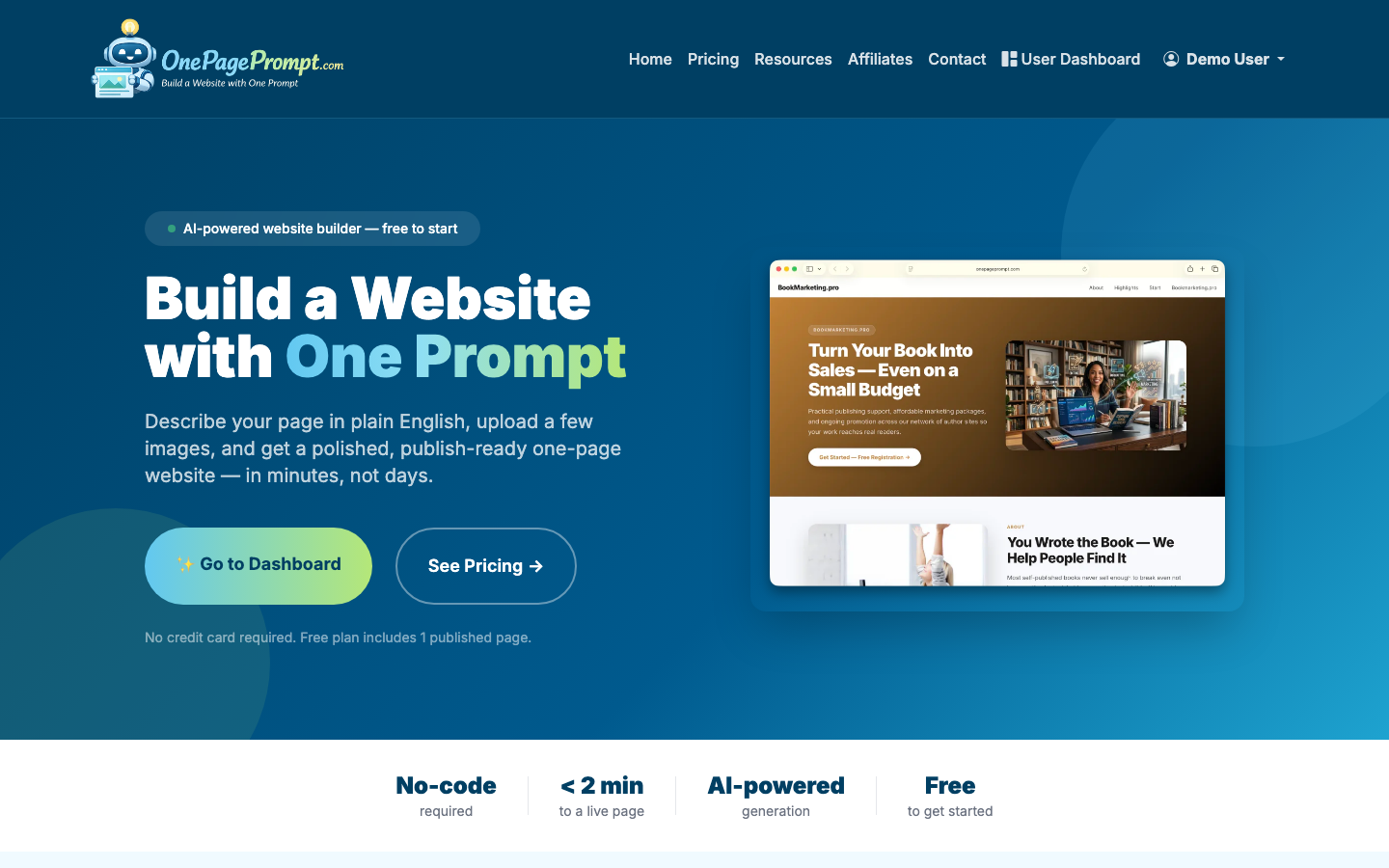
You do not need to buy a domain before you start. That matters if you are searching for how to create a free landing page without a website: the page can live on a hosted OnePagePrompt URL while you test the offer.
2. Create a new project
From your dashboard, create a new project. Give it a clear working title, such as “Editing Services Landing Page” or “Book Launch Waitlist.” The title helps you identify the project later; it does not have to be the final public headline.
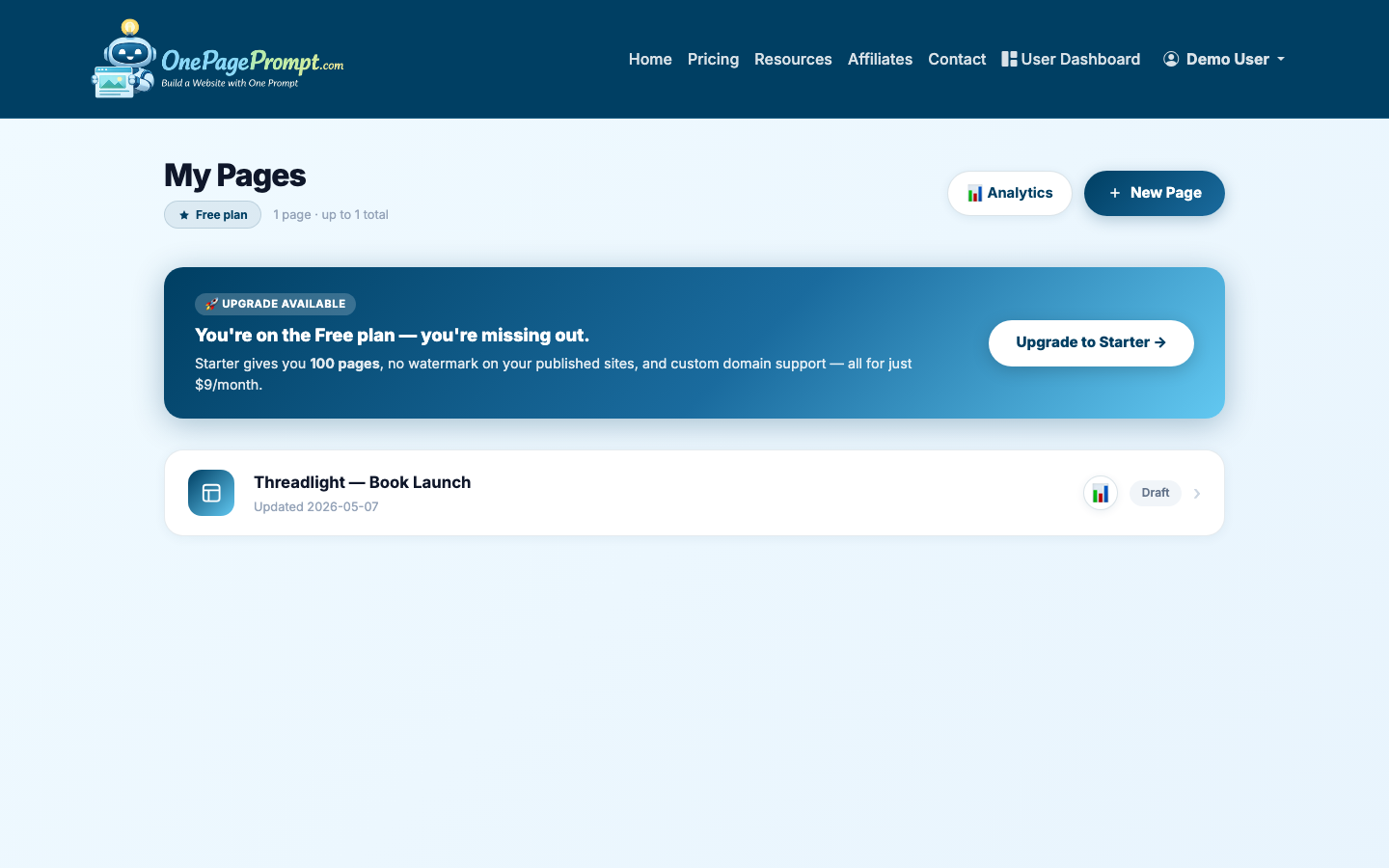
Then open the new project form.
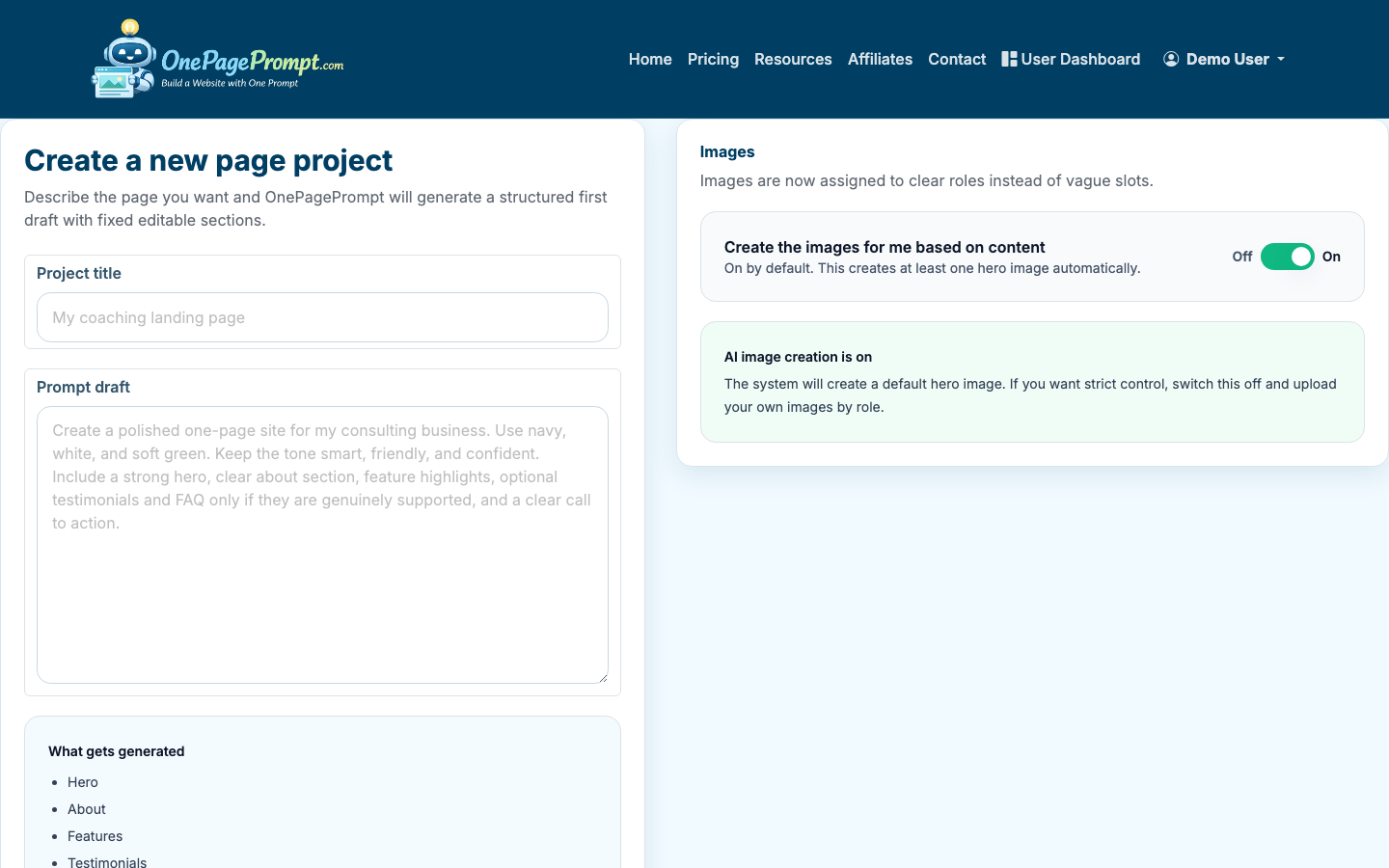
3. Describe the page in plain English
In the page description field, describe what you want the landing page to do. Be specific about the audience, offer, tone, and call to action.
A useful prompt might look like this:
- “Create a landing page for a freelance book editor who helps first-time nonfiction authors polish proposals. Warm, credible tone. Include benefits, process, testimonials placeholder, FAQ, and a call to book a consultation.”
- “Create a free landing page for a local fitness coach launching a 6-week beginner strength program. Energetic but not salesy. Focus on confidence, simple workouts, and limited spots.”
- “Create a landing page for an indie author’s upcoming fantasy novel. Include book description, author bio, early reviews, email signup CTA, and launch date.”
If you have images, upload them before generation. OnePagePrompt supports up to 6 images per project, which is usually enough for a headshot, product image, book cover, service photo, or brand visual.
4. Generate the landing page
Submit the project and let the AI generate the one-page site. OnePagePrompt creates a structured page in under two minutes, including section order, draft copy, colors, and a hosted preview.
For a free landing page, do not aim for perfection on the first generation. Aim for a solid draft that you can edit. The fastest workflow is generate first, then tighten the headline, proof, and CTA.
5. Edit the content, colors, and sections
After generation, open the project detail page. This is where you can edit section content, adjust colors, and turn sections on or off without regenerating the entire page.
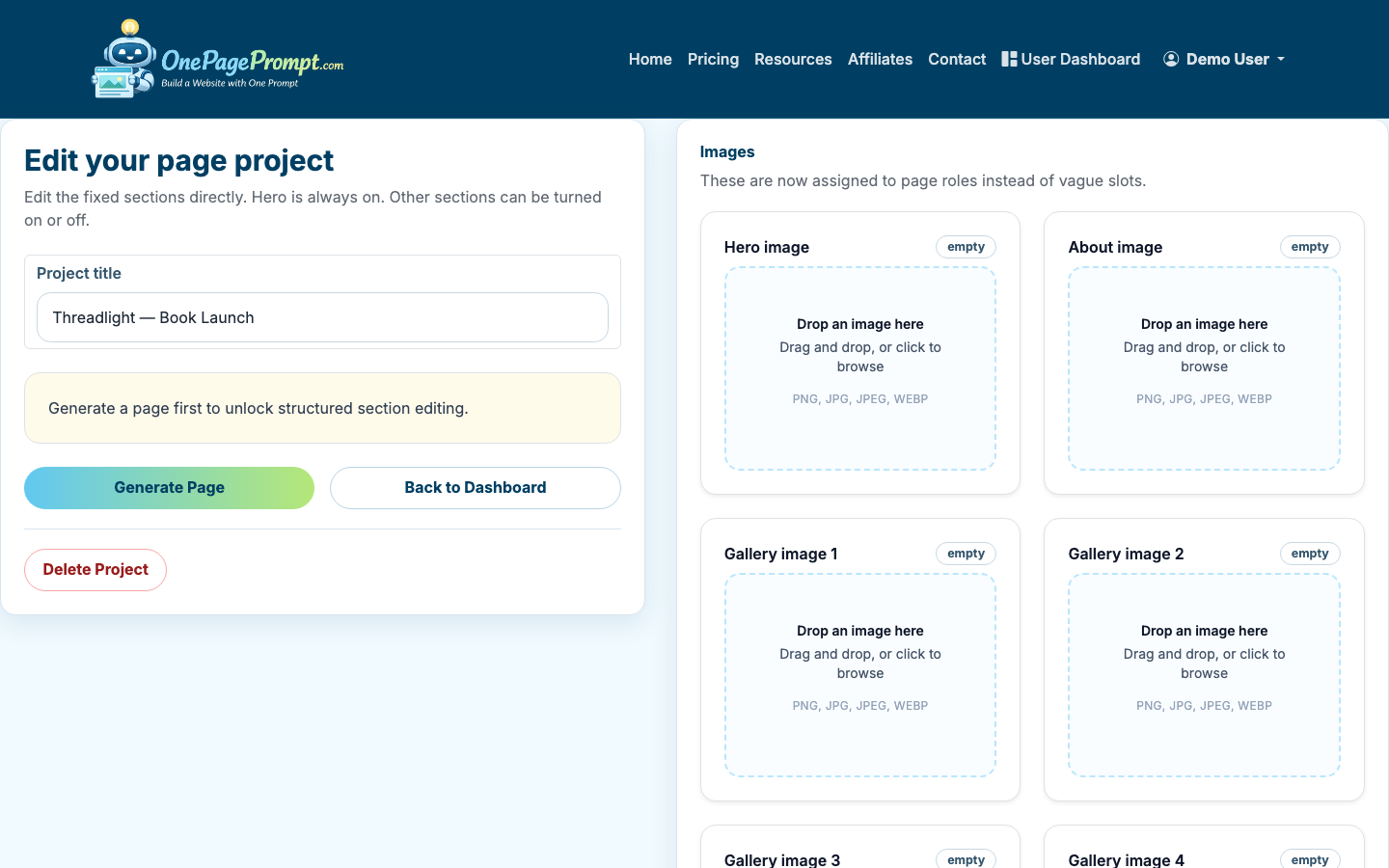
Focus your first edit pass on these areas:
- Headline: Make it specific to the audience and outcome.
- Opening copy: Explain the offer in 2-3 short sentences.
- Benefits: Use concrete outcomes, not generic adjectives.
- Proof: Add testimonials, numbers, credentials, or examples if you have them.
- CTA: Make the action clear: book a call, join the waitlist, contact me, buy now, download, or subscribe.
For example, “Transform your business with expert solutions” is too broad. “Launch a clean author website before your book announcement” is clearer because it names the buyer and the outcome.
If you want help improving the visual structure, read How to Design a Good Landing Page after your first draft is live.
6. Preview the page before sharing
Open the preview page and read it like a visitor. Do not only check whether it looks nice. Check whether the page makes a decision easy.
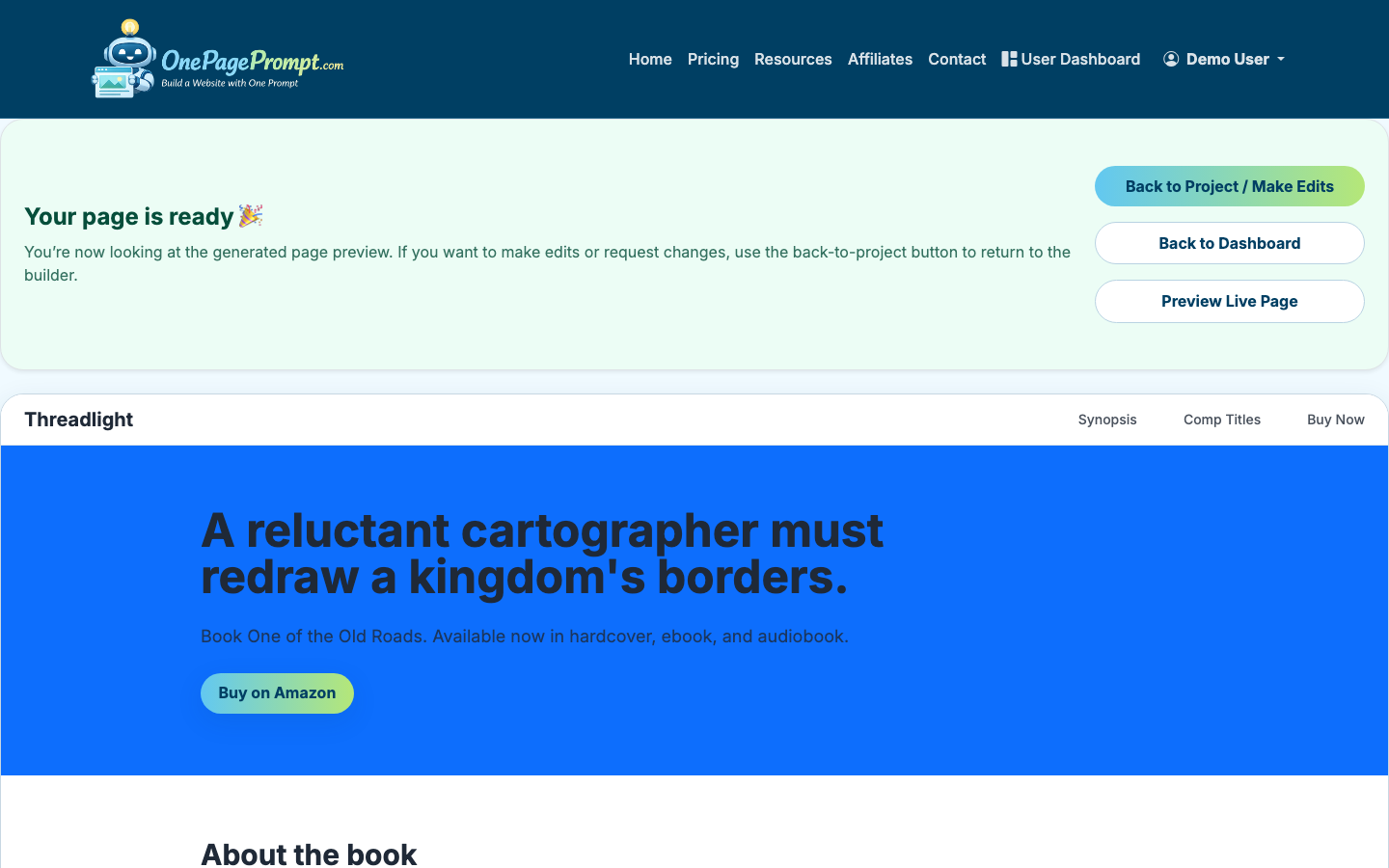
Use this quick review checklist:
- Can someone understand the offer in the first 5 seconds?
- Is there one primary call to action?
- Are sections in a logical order?
- Does the page still make sense on mobile?
- Is any section repetitive or unnecessary?
- Are names, prices, dates, and links correct?
7. Publish and share the public URL
When the page is ready, share the public URL. OnePagePrompt pages are available at a hosted path like /p/<id>/<slug>, so visitors can open the landing page without logging in.
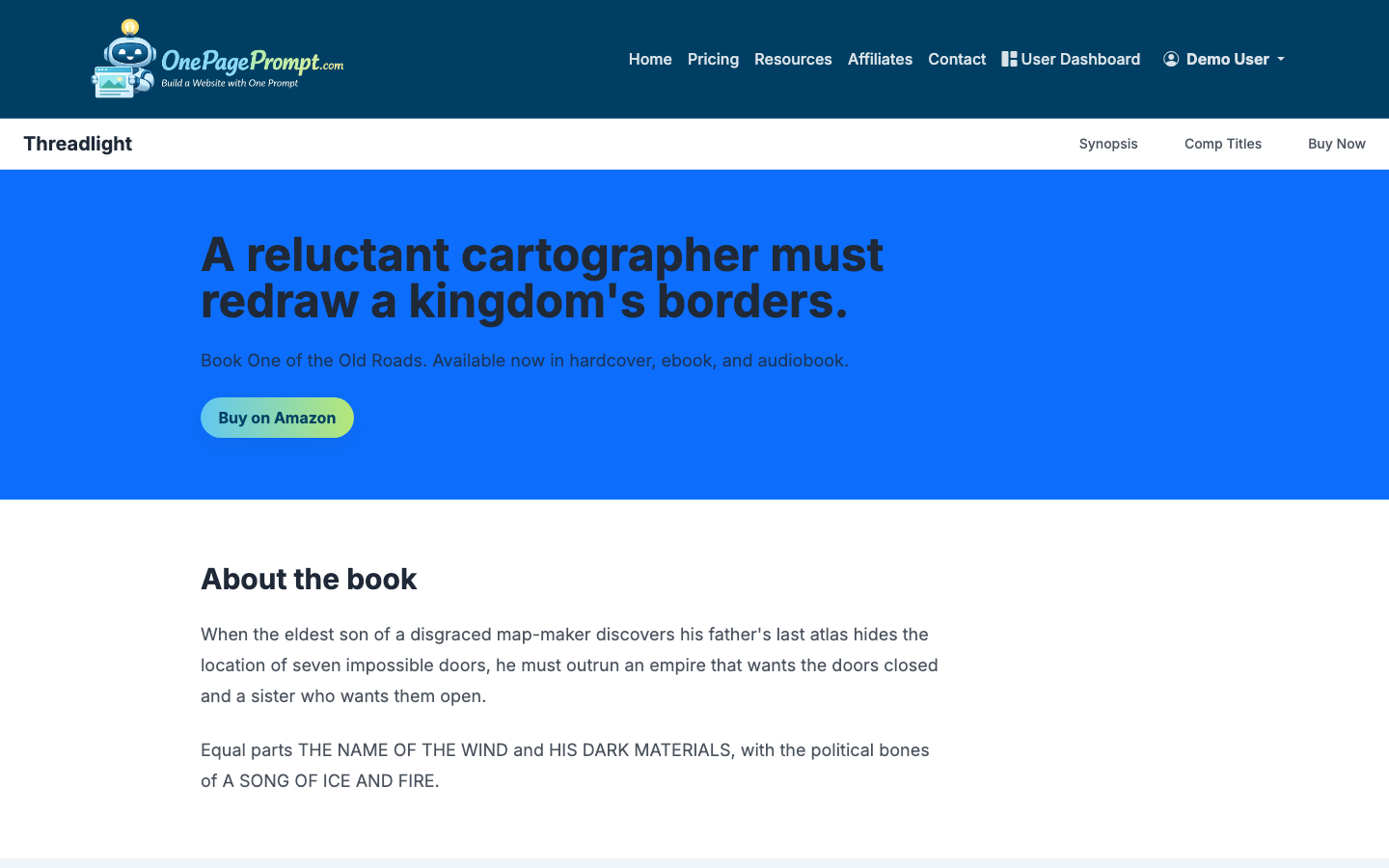
This is the simplest answer to “how do I create a landing page for free?”: build one focused page, publish it on a hosted URL, and share that link in your bio, email signature, ads, social posts, QR codes, or direct outreach.
Paid plans add custom domain support using CNAME-based DNS, which is useful once the page is tied to a real campaign or brand. But you can validate the message first without buying a domain.
What to put on your free landing page
If you are not sure what to include, start with this structure:
- Hero section with headline, short explanation, and CTA
- Problem or audience section
- Benefits or outcomes
- How it works
- Proof, examples, or credibility markers
- FAQ
- Final CTA
For lead generation, make the CTA easy to complete. For service businesses, that might be a contact form or consultation link. For creators, it may be an email signup. For products, it may be a pre-order, demo, or waitlist. See How to Create a Lead Page if the main goal is collecting prospects.
Free landing page tradeoffs
A free landing page is ideal for speed, testing, and simple campaigns. It is less ideal when you need complex analytics, multi-step funnels, advanced forms, membership areas, or many pages connected by navigation.
That is not a flaw. It is the point. A landing page works best when it removes everything that does not support the conversion. Start free, learn from real visitors, then upgrade only when the campaign has earned more infrastructure.

