What a Lead Page Should Include
A lead page is a type of landing page, but it is narrower than a general product or brand page. Every section should support one conversion action.
A practical lead page usually includes:
- A headline that names the outcome or offer
- A short subheading that explains who it is for
- One primary call to action
- A simple form or booking link
- 2-4 proof points, benefits, or credibility signals
- A short FAQ or expectation-setting section
- A thank-you or follow-up path after submission
If you are still deciding between a broader page and a focused capture page, start with how to create a landing page. If the goal is specifically to collect contacts, keep reading.
1. Choose One Lead Goal
Before you write copy, decide what counts as a lead. Do not ask the page to collect newsletter subscribers, sell a product, book calls, and explain your entire business at the same time.
Good lead goals include:
- Collect email addresses for a launch list
- Offer a free PDF, checklist, sample chapter, or template
- Invite visitors to request a quote
- Ask prospects to book a discovery call
- Build interest for a local service, workshop, or event
The goal determines the page structure. A free download page can be short. A high-ticket consultation page usually needs more trust-building copy and stronger proof.
2. Start a New One-Page Project
In OnePagePrompt, create a new project and give it a clear working title. Use the description field to explain the audience, offer, desired action, and tone.
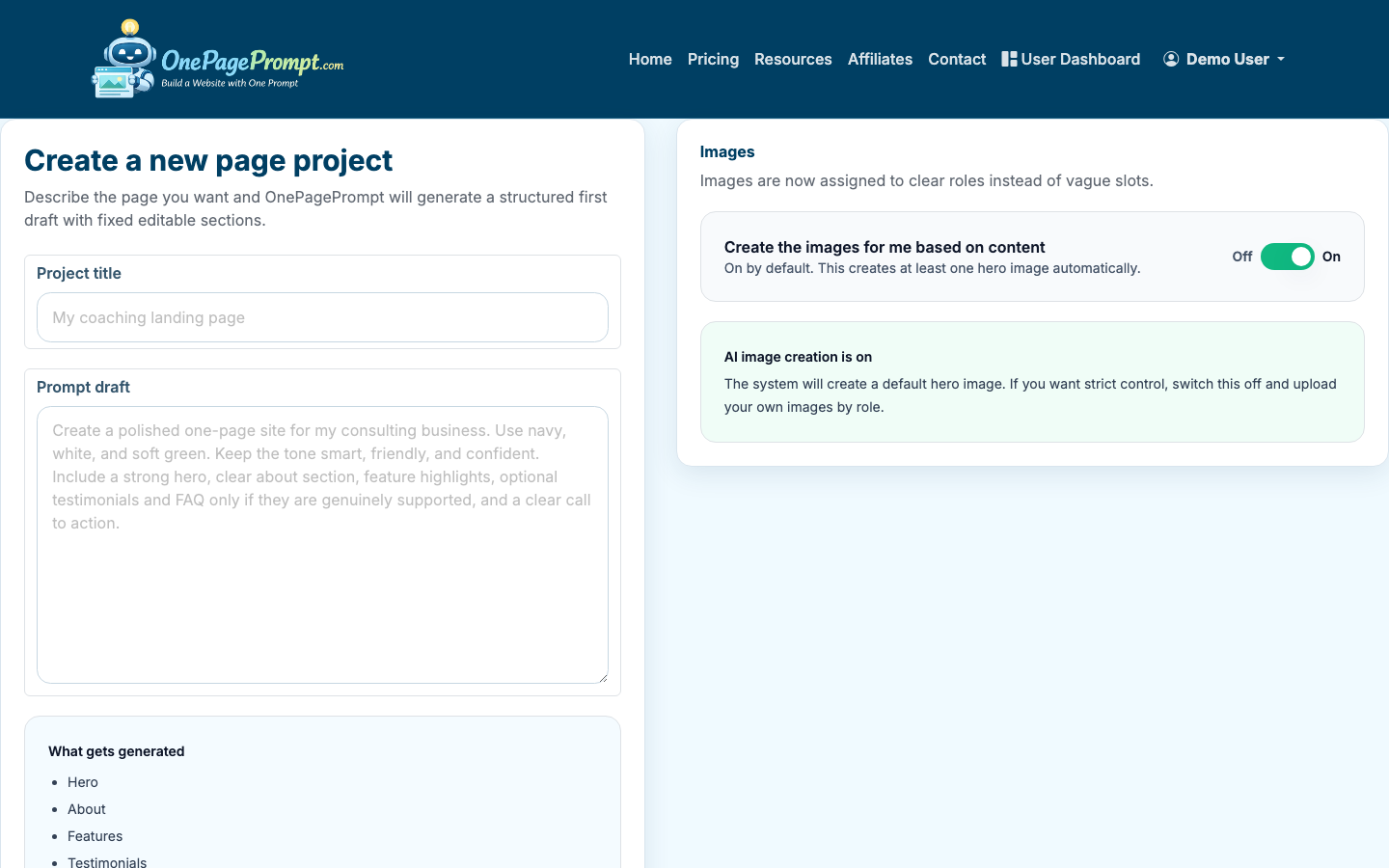
A useful prompt might look like this:
- “Create a lead page for a freelance book editor offering a free first-chapter audit. The audience is self-published nonfiction authors. The page should collect email addresses and encourage visitors to upload a chapter after signup. Tone: professional, encouraging, direct.”
Include the conversion action in the prompt. If the AI does not know what the page should ask for, it may produce a general promotional page instead of a lead-focused page.
3. Write the Offer Before the Form
Visitors should understand the value before they see what you are asking from them. A strong lead page answers three questions quickly:
- What do I get?
- Is this for someone like me?
- What happens after I submit?
For example, “Get a free website teardown” is clearer than “Contact us.” “Join the early access list for local bakery ordering software” is clearer than “Sign up for updates.”
If your offer is weak, changing button colors will not fix the page. Improve the promise first.
4. Generate the Page and Review the Structure
After you submit the prompt, OnePagePrompt generates a structured one-page site. Open the project detail view to review the generated sections, copy, colors, and visibility toggles.
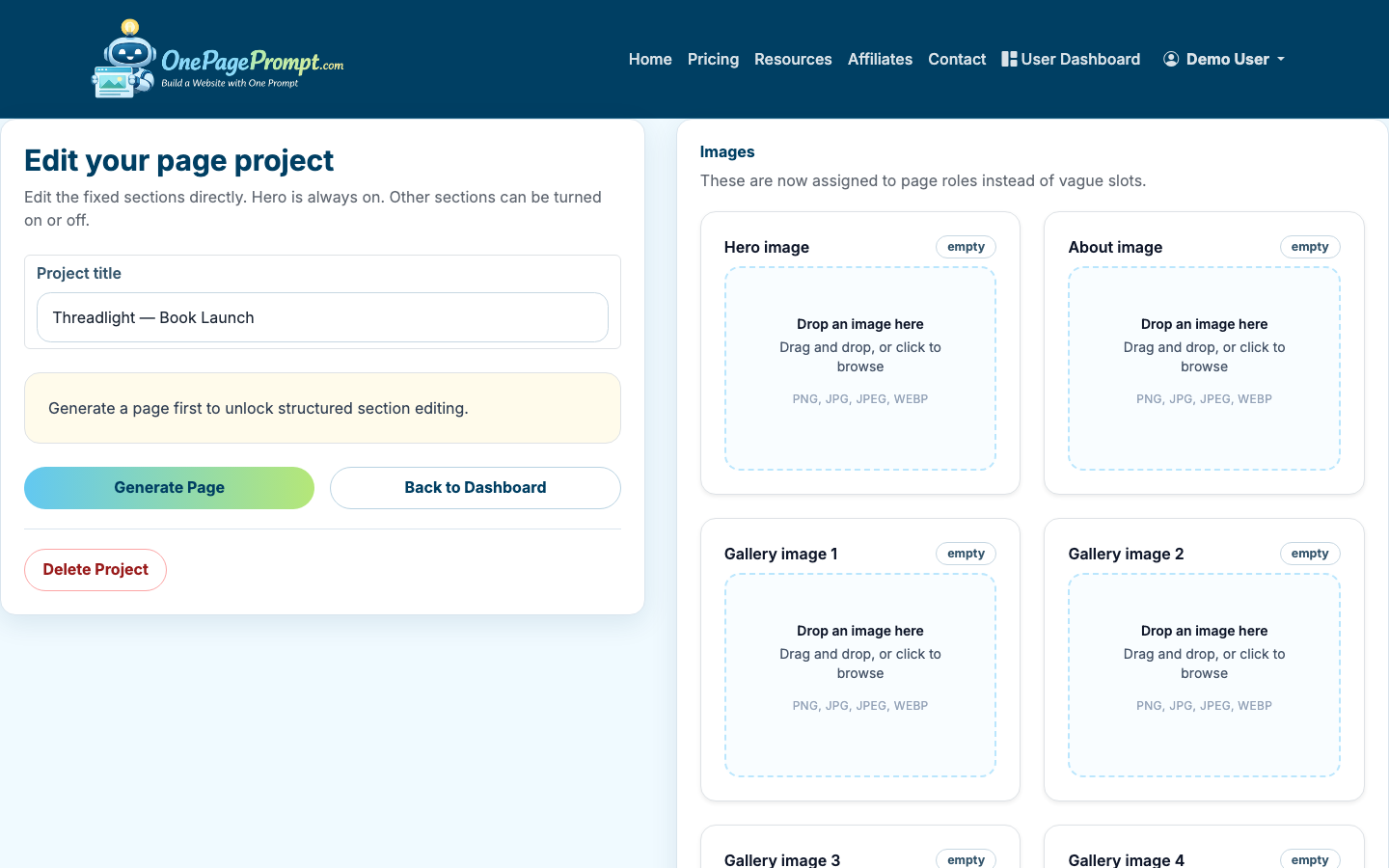
Look for sections that help the lead goal:
- Hero section: Does it state the offer clearly?
- Benefits: Are they specific enough to be believable?
- Social proof: Does it include testimonials, credentials, client types, or results?
- FAQ: Does it remove hesitation?
- CTA: Is the action repeated near the top and bottom?
Turn off sections that distract from the conversion. A long “About” section may help for personal services, but it can weaken a simple lead magnet page.
5. Tighten the Copy Around One Action
Edit the generated copy so every section points toward the same next step. Replace vague phrases with concrete outcomes.
Weak copy:
- “Helping businesses grow online”
- “Submit your information to learn more”
- “We provide innovative solutions”
Stronger copy:
- “Get a 10-point audit of your author website”
- “Join the waitlist for the June workshop”
- “Request a fixed-price quote for your service page”
A lead page does not need to answer every possible question. It needs to answer enough for the visitor to take the next step.
6. Preview the Page Before Publishing
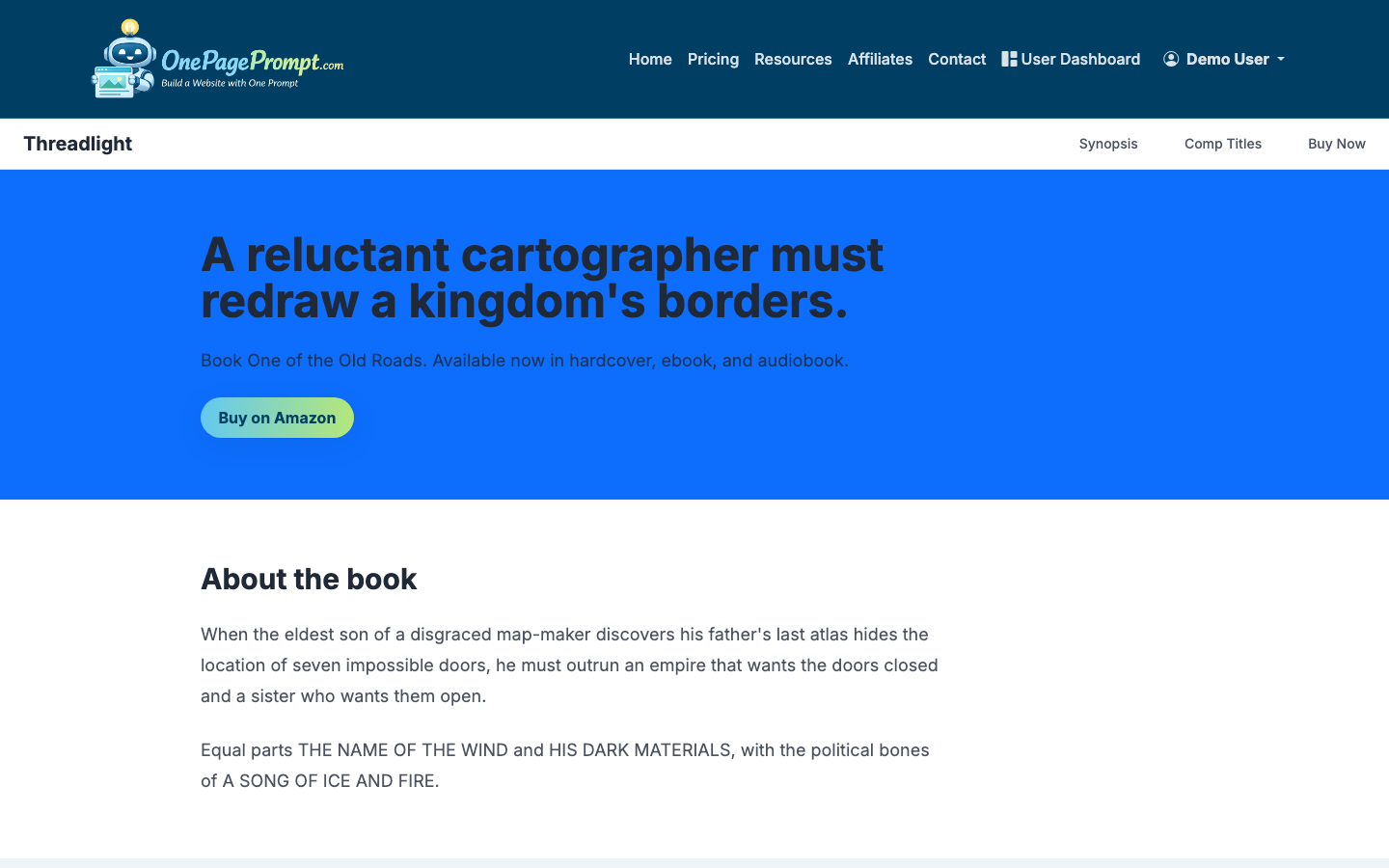
Use the preview page to review the lead page as a visitor would see it. Check the first screen, mobile readability, button labels, spacing, and whether the CTA appears without too much scrolling.
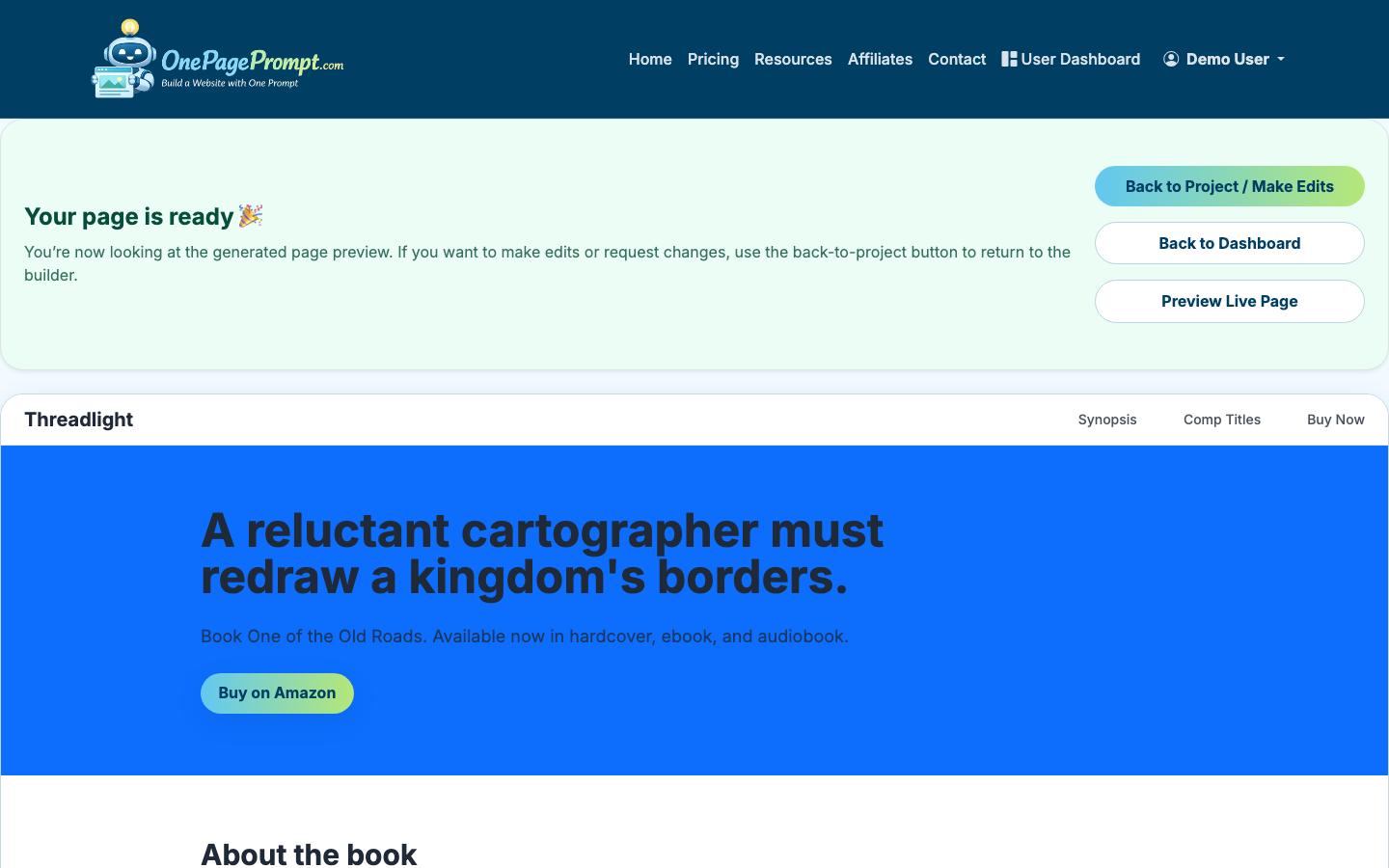
On mobile, the headline and CTA should be visible quickly. If the first screen is mostly decorative text or a large image, shorten the hero section.
7. Publish and Share the Lead Page
Once the page looks right, publish it and use the public share URL in your campaign. OnePagePrompt pages are available at a public URL like /p/<id>/<slug>, so you can share the page in emails, bios, ads, social posts, QR codes, or direct outreach.
If you are on a paid plan and want the page to feel fully branded, connect a custom domain with CNAME verification. This is useful when the lead page will be used in ads, printed materials, or long-running campaigns.
8. Test the Page With Real Traffic
A lead page is not finished when it is published. Watch how real visitors respond and improve one thing at a time.
Start with these checks:
- If traffic is low, improve distribution before rewriting the page
- If traffic is decent but leads are low, improve the offer or headline
- If people click but do not submit, shorten the form
- If leads are poor quality, make the copy more specific about who the offer is for
For small campaigns, wait until you have at least 100-200 visits before making major conclusions. For paid ads, you may need more data depending on cost per click and conversion rate.
Common Lead Page Mistakes
The most common mistake is building a page that tries to serve everyone. Specificity usually improves conversion, even if it narrows the audience.
Avoid these patterns:
- Multiple competing CTAs
- Generic headlines that could fit any business
- Forms that ask for unnecessary details
- No explanation of what happens after submission
- Too much company history before the offer
- Testimonials that are vague or unrelated
If you want to improve the visual layout after the offer is clear, use how to design a good landing page. If budget is the main constraint, see how to create a landing page for free.

