Before You Build: Match the Page to the Ad
Google Ads traffic is expensive enough that your landing page should be built around one campaign, one audience, and one offer. That does not always mean one page per keyword, but it does mean the page should clearly reflect the searcher’s intent.
For example:
- A search for “bookkeeping for therapists” should land on a page about bookkeeping for therapists, not a generic accounting homepage.
- A search for “author website design” should land on a page about author websites, not a broad design services page.
- A search for “emergency roof repair estimate” should see phone, service area, urgency, and trust signals immediately.
If you need a broader foundation first, start with how to create a landing page. If your campaign goal is email capture, pair this with how to create a lead page.
How to Create a Landing Page for Google Ads in OnePagePrompt
1. Start a new project
From your OnePagePrompt dashboard, create a new project for the campaign. Give it a practical title, such as “Google Ads - Tax Prep Consultations” or “PPC - Author Website Offer.” This helps you keep paid traffic pages separate from your general site pages.
2. Write a prompt based on the ad group
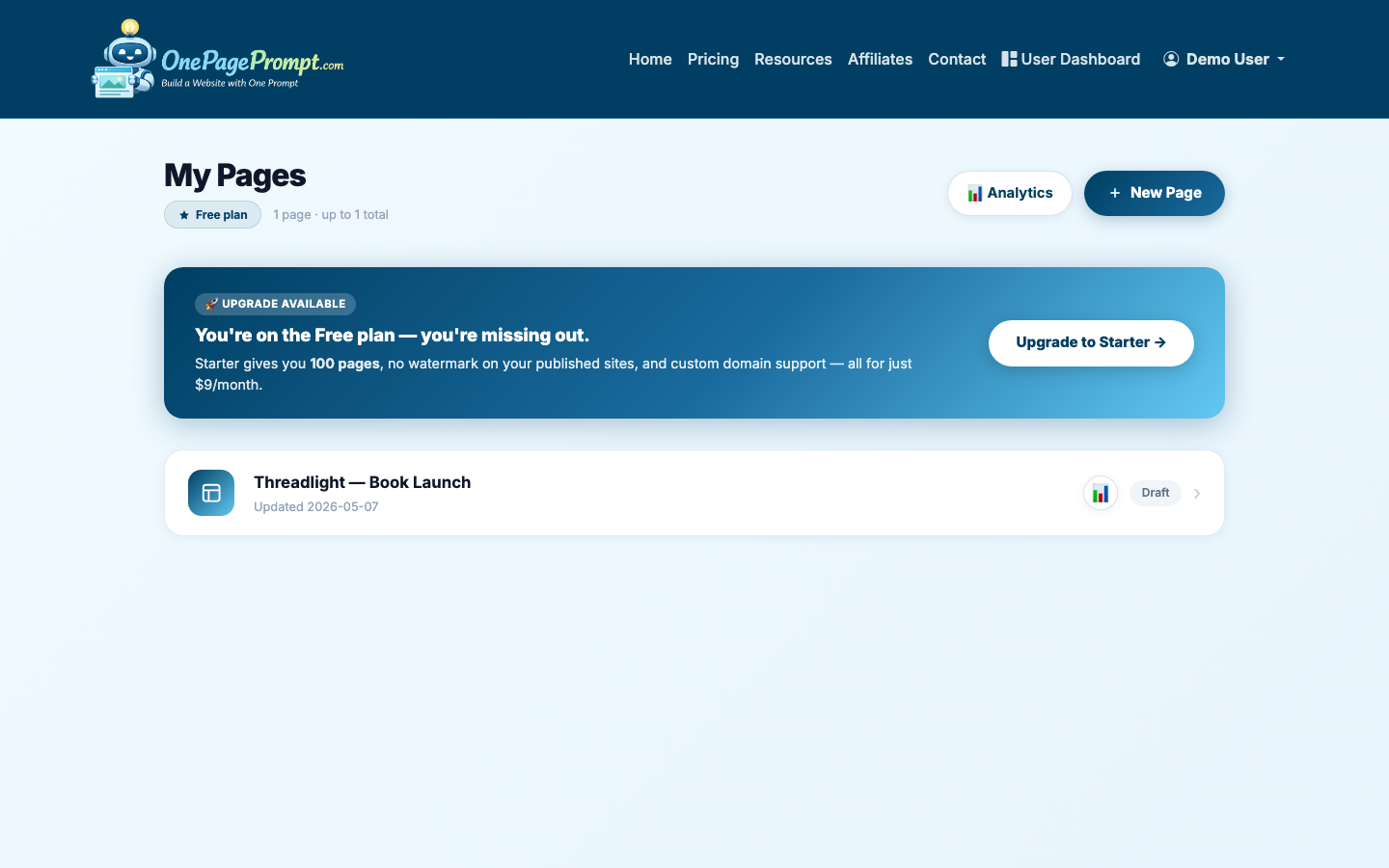
On the new project screen, describe the page in plain English. Include the target audience, offer, location if relevant, primary call to action, tone, and the proof points you want included.
A strong prompt might look like this:
- “Create a one-page landing page for Google Ads traffic from small business owners searching for monthly bookkeeping help. The offer is a free 20-minute consultation. Emphasize fixed monthly pricing, QuickBooks cleanup, CPA coordination, and no long-term contract. Tone should be clear, professional, and reassuring. Primary CTA: Book a free consultation.”
A weak prompt would be:
- “Make a landing page for bookkeeping.”
The more campaign context you provide, the less editing you will need after generation.
3. Generate the page and review the structure
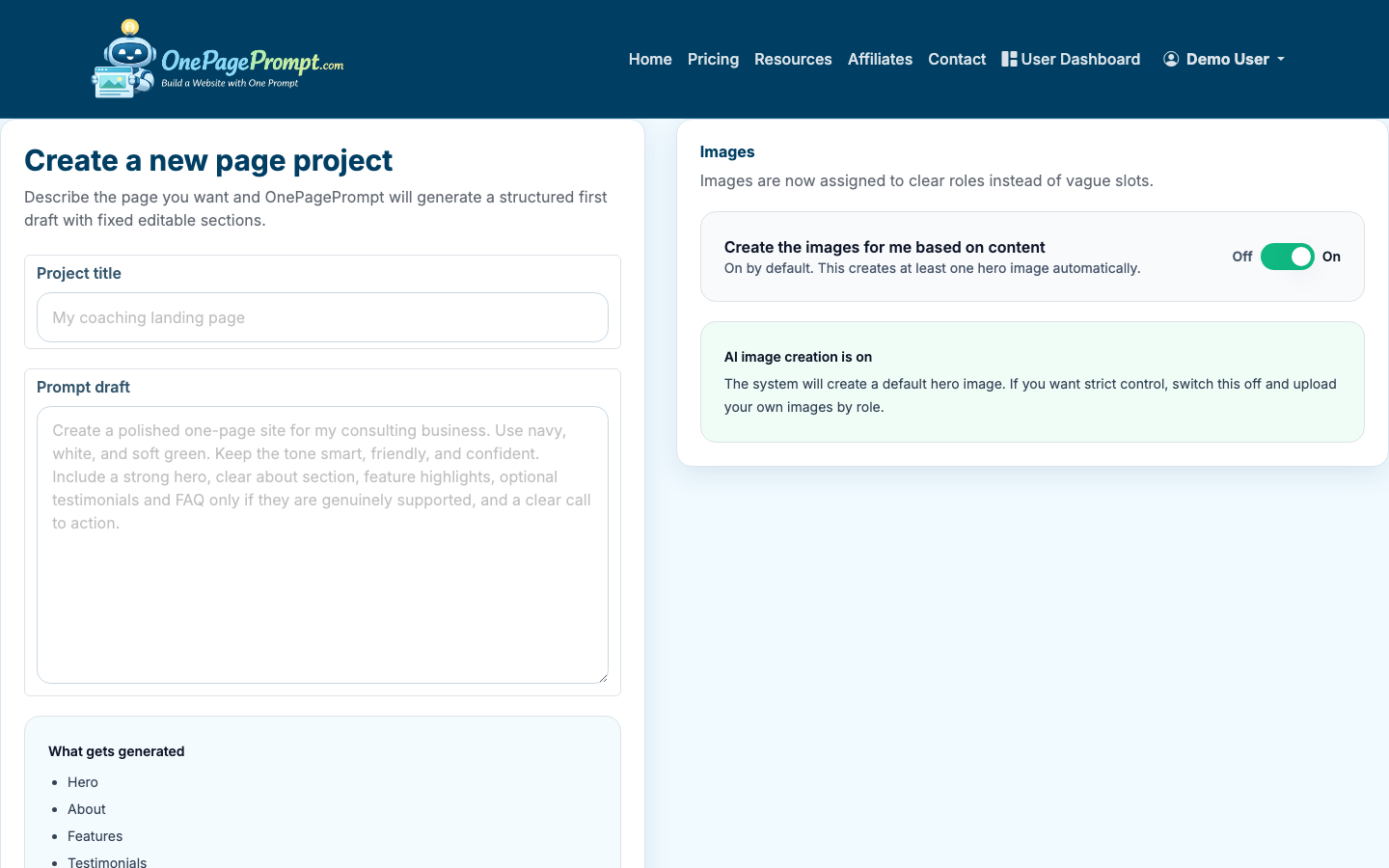
OnePagePrompt generates a structured one-page website in under two minutes. After it appears, review the sections before editing individual words. For Google Ads, the page should usually include:
- A hero section that repeats the ad’s main promise
- A short explanation of the offer
- Benefits or outcomes, not just features
- Trust signals such as testimonials, credentials, client types, or guarantees
- A simple call to action repeated at least twice
- An FAQ or objection-handling section
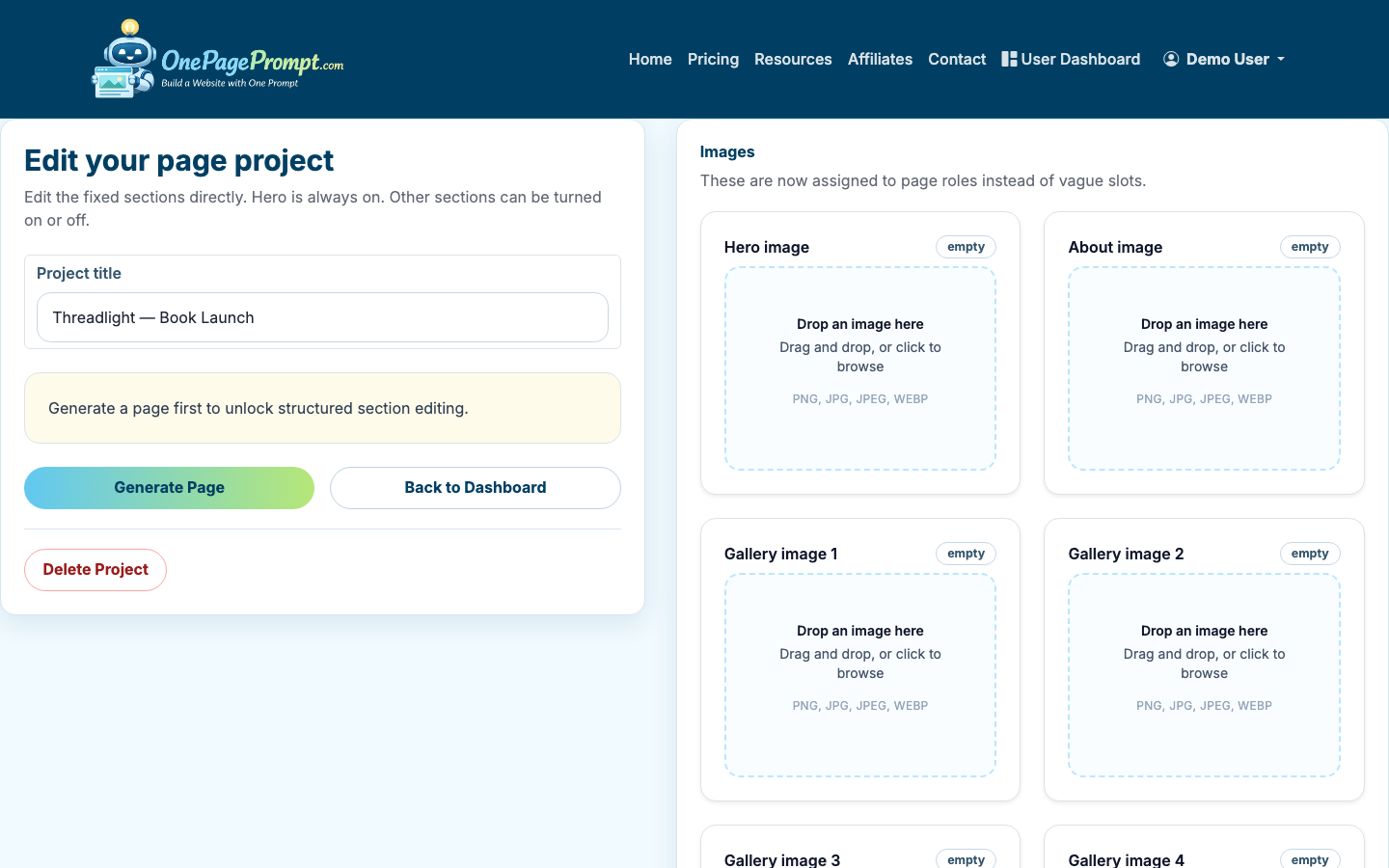
If a section distracts from the campaign goal, turn it off. Paid landing pages rarely need a broad blog teaser, full company history, or multiple unrelated service categories.
4. Edit the headline for message match
Your landing page headline should closely match the keyword theme and the ad. It does not need to repeat the exact keyword awkwardly, but it should reassure visitors they are in the right place.
Good examples:
- “Bookkeeping Help for Therapy Practices”
- “Get a Fast Roof Repair Estimate in Austin”
- “Author Websites Built Around Your Next Book Launch”
Less effective examples:
- “Solutions That Help You Grow”
- “Welcome to Our Company”
- “Professional Services for Everyone”
Google’s Quality Score considers landing page experience and relevance. Message match is not the only factor, but it can improve both user confidence and conversion rate.
5. Tighten the call to action
Use one primary CTA across the page. For most Google Ads campaigns, the CTA should be specific and low-friction:
- “Book a Free Consultation”
- “Request a Quote”
- “Get the Checklist”
- “Schedule a Demo”
- “Call for Availability”
Avoid mixing “Subscribe,” “Learn More,” “Contact Us,” and “Buy Now” on the same page unless the campaign is intentionally testing multiple actions. Too many choices make paid traffic harder to measure.
6. Adjust sections, colors, and copy without regenerating
Use the project editor to update section text, switch sections on or off, and adjust colors. You do not need to regenerate the full page for small changes.
For Google Ads, prioritize clarity over novelty:
- Put the offer near the top of the page
- Keep paragraphs short, usually two to four lines
- Use bullets for eligibility, benefits, or included services
- Add proof before the final CTA
- Remove anything that sends visitors away from the conversion path
If you are also testing a low-budget campaign, see how to create a landing page for free before committing to a paid plan or custom domain.
7. Preview the page before sending traffic
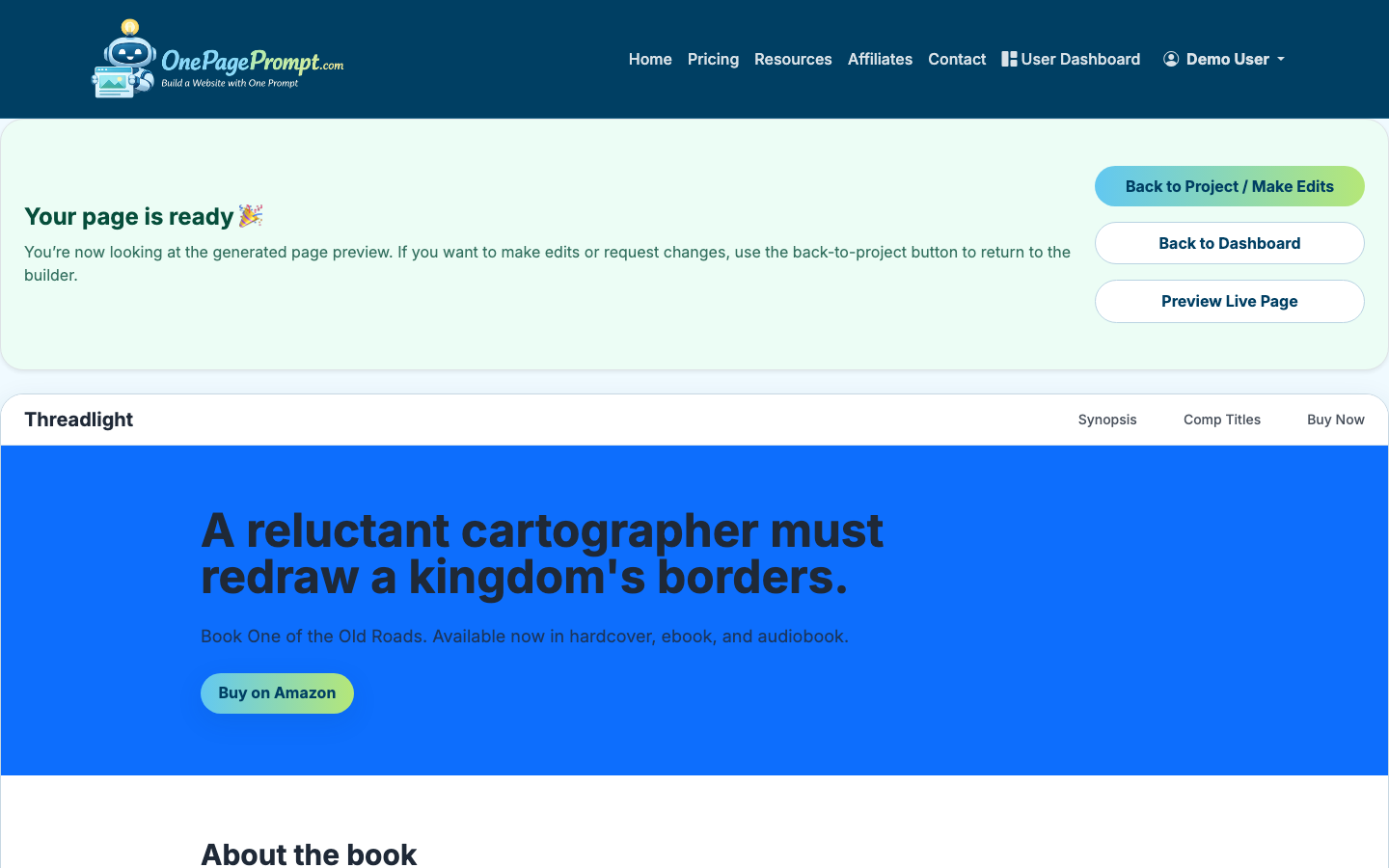
Open the preview and read the page as if you clicked the ad for the first time. Check desktop and mobile. Mobile matters because many Google Ads clicks happen on phones, especially for local services.
Look for these issues:
- The headline does not match the ad
- The CTA is below too much introductory text
- The offer is unclear
- The form or contact method is hard to find
- The page makes claims you cannot substantiate
- The mobile layout buries important proof or pricing context
8. Publish and use the public URL in Google Ads
Once the page is ready, publish it and use the public share URL as the final URL in your Google Ads campaign. OnePagePrompt pages publish at a shareable URL like /p/<id>/<slug>. Paid plans can connect a custom domain with CNAME-based DNS verification.
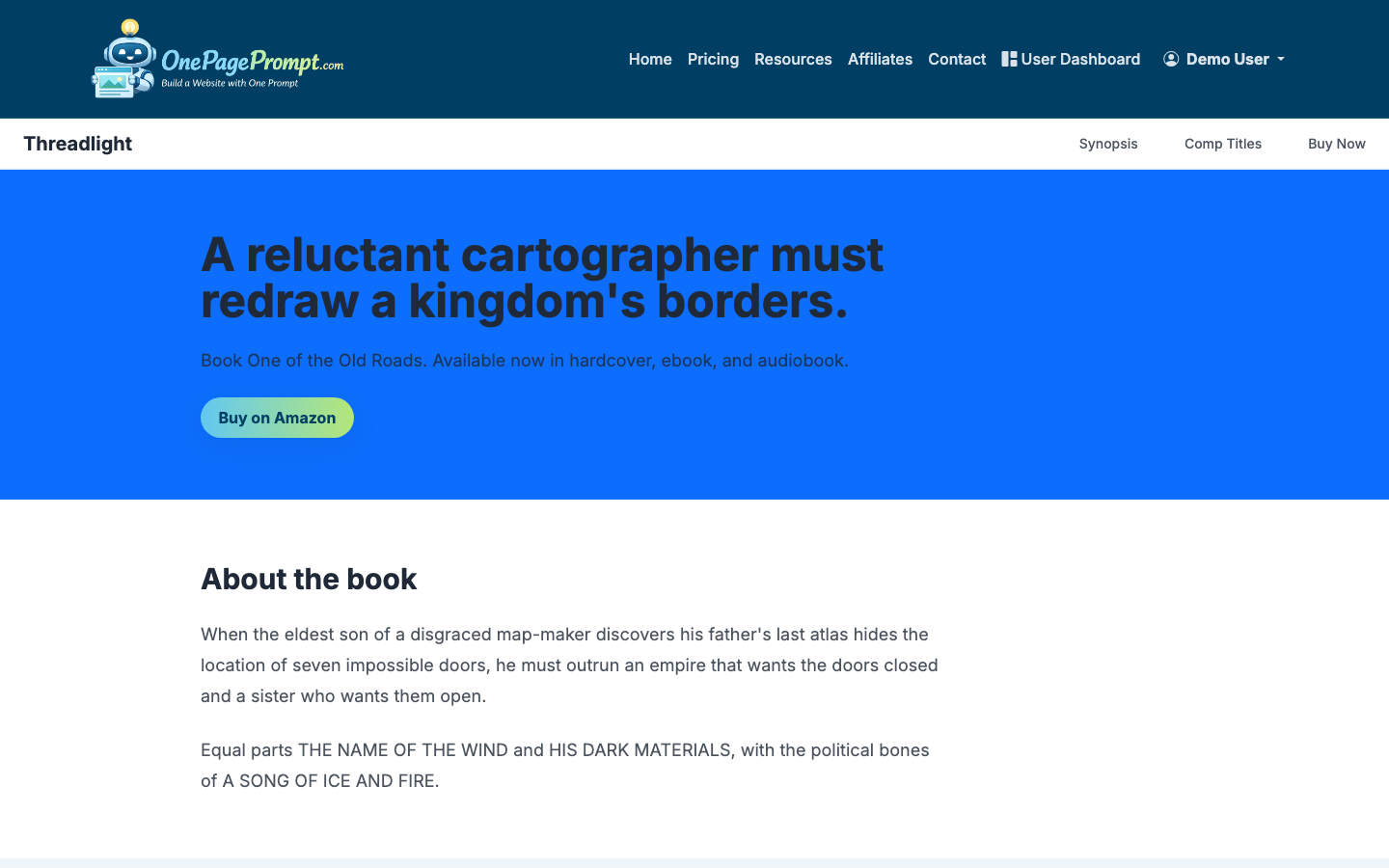
For many campaigns, a custom domain is worth using because it looks more familiar to visitors and keeps your ad destination aligned with your brand. The tradeoff is setup time: DNS changes can take a little while to verify, so do not leave this until minutes before launch.
What to Measure After Launch
After your campaign is live, judge the page by behavior, not personal preference. At minimum, watch:
- Conversion rate by campaign or ad group
- Cost per lead or cost per booked call
- Mobile versus desktop performance
- Search terms that spend money without converting
- Form completion rate or CTA click rate
A practical starting target for many lead generation pages is a 3% to 10% conversion rate, but the right benchmark depends heavily on industry, offer, price point, and traffic intent. A free checklist may convert far higher than a high-ticket consultation request.
Common Mistakes to Avoid
Do not send every ad to your homepage. Homepages are built for exploration; Google Ads landing pages are built for decision-making.
Do not make the page too thin. A short page can work, but visitors still need enough information to trust the offer.
Do not hide the next step. If the visitor has to hunt for the form, phone number, or booking button, the page is leaking money.

