Before You Build: Pick One Conversion Goal
Real estate traffic is usually high intent but context-dependent. Someone clicking a listing ad needs property details and a showing request. A homeowner searching for local prices needs valuation proof and a soft lead form. A relocation buyer needs neighborhood context.
Choose one goal before you write the page:
- Schedule a showing
- Request a home valuation
- Download a neighborhood or buyer guide
- Join an open house list
- Contact an agent about a specific property
If you need a broader primer first, start with how to create a landing page. If your main goal is contact capture, also see how to create a lead page.
1. Start a New One-Page Project
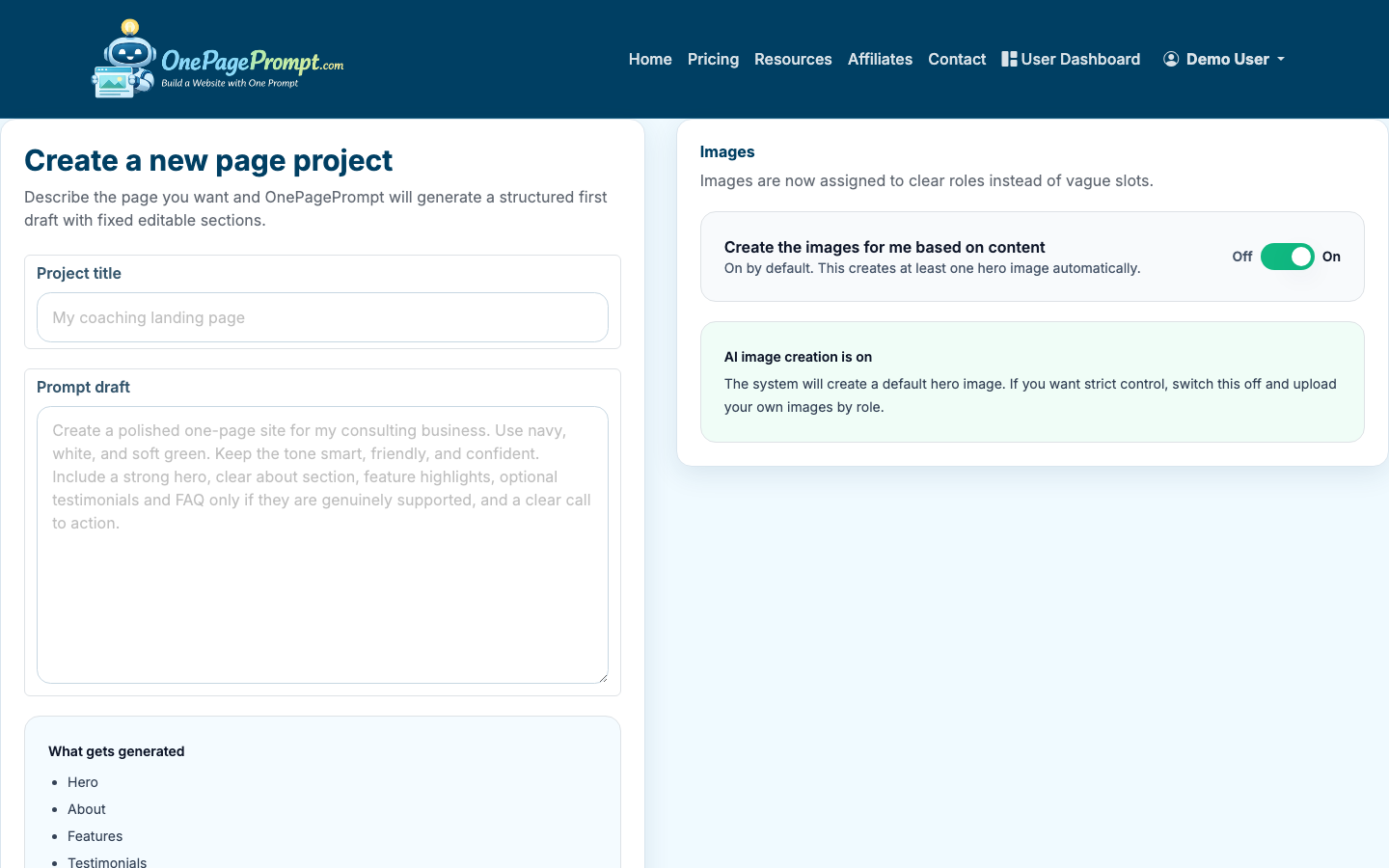
In OnePagePrompt, create a new project and give it a title that matches the campaign. Use something specific, such as “Downtown Austin Condo Showing Page” or “Free Home Valuation in Scottsdale.”
Then describe the page in plain English. Include the audience, offer, location, tone, and sections you want. For example:
“Create a one-page real estate landing page for a 4-bedroom home in Boulder, Colorado. The goal is to get visitors to schedule a private showing. Include a hero section, key property highlights, photo-focused layout, neighborhood benefits, agent bio, testimonials, FAQs, and a contact form CTA. Tone should be polished, local, and trustworthy.”
2. Add the Core Real Estate Sections
A real estate landing page should answer the questions a serious visitor is already asking. For a property page, include:
- Hero with property type, location, price or starting context, and CTA
- Three to six key highlights, such as beds, baths, square footage, lot size, school district, or renovation notes
- Photo section or gallery-style visual sequence
- Neighborhood section with commute, schools, parks, shops, or lifestyle details
- Showing or inquiry CTA
- Agent or team bio
- Social proof, such as testimonials, sales volume, or local experience
- FAQ section for practical objections
For a seller lead page, shift the structure toward valuation and trust:
- Local home value promise
- Short explanation of how valuation works
- Proof of recent sales or neighborhood expertise
- Simple form CTA
- Agent credibility
- Seller FAQs
OnePagePrompt will generate a structured first draft from your description. The point is not to get perfect copy on the first pass. It is to get a complete page framework you can edit quickly.
3. Upload Strong Property or Brand Images
Real estate pages are unusually image-sensitive. If you have property photos, use them. If you are building a valuation or agent page, use a professional headshot, neighborhood image, or branded office photo.
OnePagePrompt supports up to 6 image uploads per project, which is enough for a focused one-page real estate campaign. Prioritize:
- Exterior hero image
- Best kitchen or living area image
- Primary bedroom or standout feature
- Neighborhood or lifestyle image
- Agent headshot
- Brokerage or team branding image
4. Review the Generated Page Structure
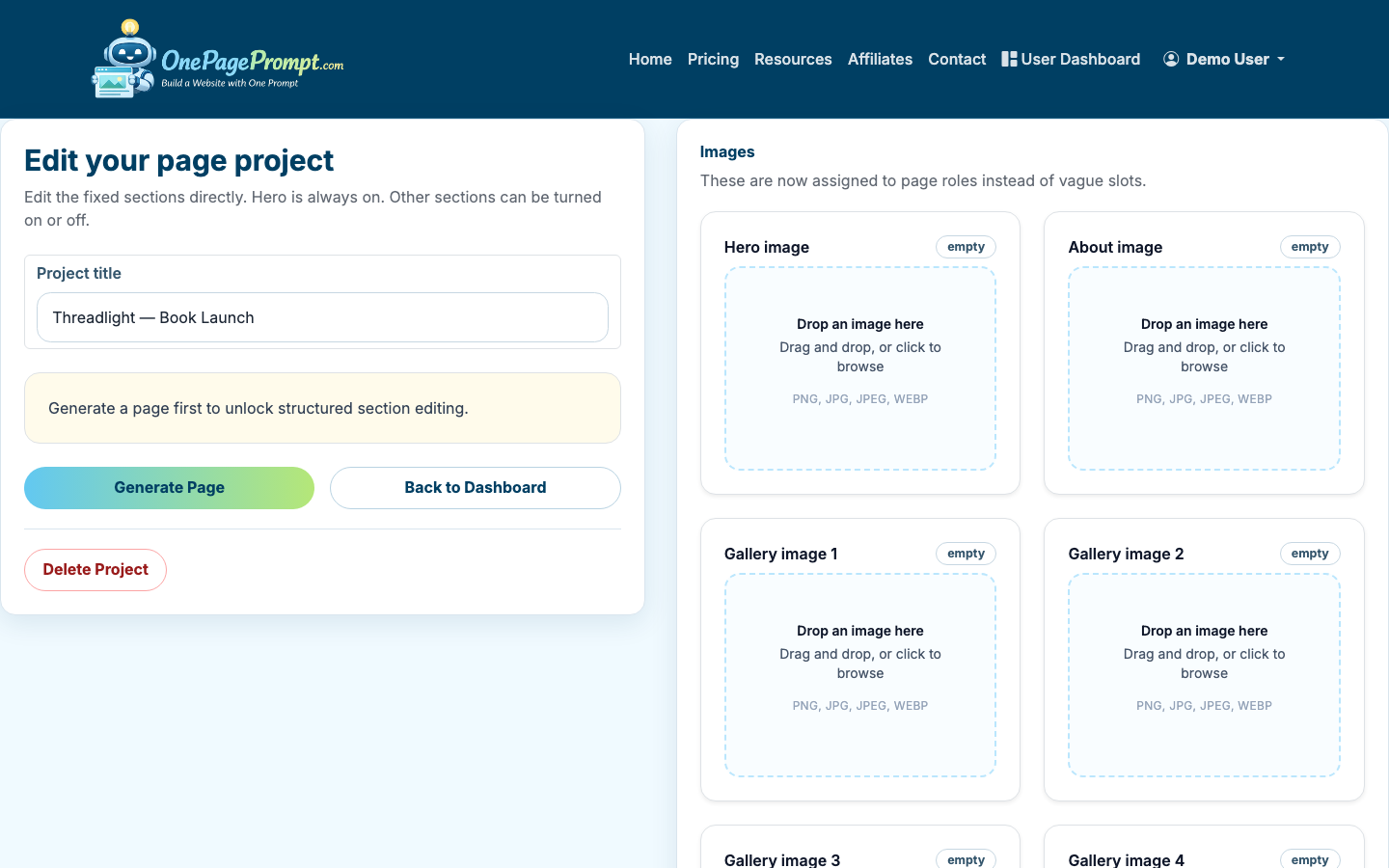
After generation, open the project detail page. Review the AI-generated spec, section order, copy, colors, and toggles.
Look for three things first:
- Does the hero make the offer obvious within 5 seconds?
- Does every section support the same conversion goal?
- Is the location visible above the fold or very close to it?
If the page feels too general, tighten the copy. Replace broad lines like “Find your dream home today” with specific copy like “Schedule a private showing for this renovated 4-bedroom home near North Boulder Park.”
5. Edit the Copy for Trust and Specificity
Real estate landing pages need credibility, not hype. Use concrete details where possible:
- “12 years helping buyers in North County”
- “Recent sales in Maple Ridge, Oak Hollow, and West Park”
- “Private showings available this week”
- “Updated roof, new HVAC, and renovated kitchen in 2023”
- “10-minute drive to downtown and close to two major commuter routes”
Keep paragraphs short. Many visitors will scan on mobile after clicking from an ad, email, QR code, or social post.
If the page is for lead capture rather than a specific listing, keep the form promise modest and believable. “Get a fast estimate of your home’s current market range” is usually better than “Find out exactly what your home is worth.”
6. Use Section Toggles to Remove Distractions
In OnePagePrompt, you can turn sections on or off without regenerating the whole page. Use that to keep the page focused.
For a showing page, you may not need a long services section. For a seller valuation page, you may not need a gallery. For a neighborhood guide download, the agent bio can be shorter and lower on the page.
A useful rule: if a section does not increase confidence or move the visitor toward the CTA, remove it.
7. Preview the Page on Desktop and Mobile
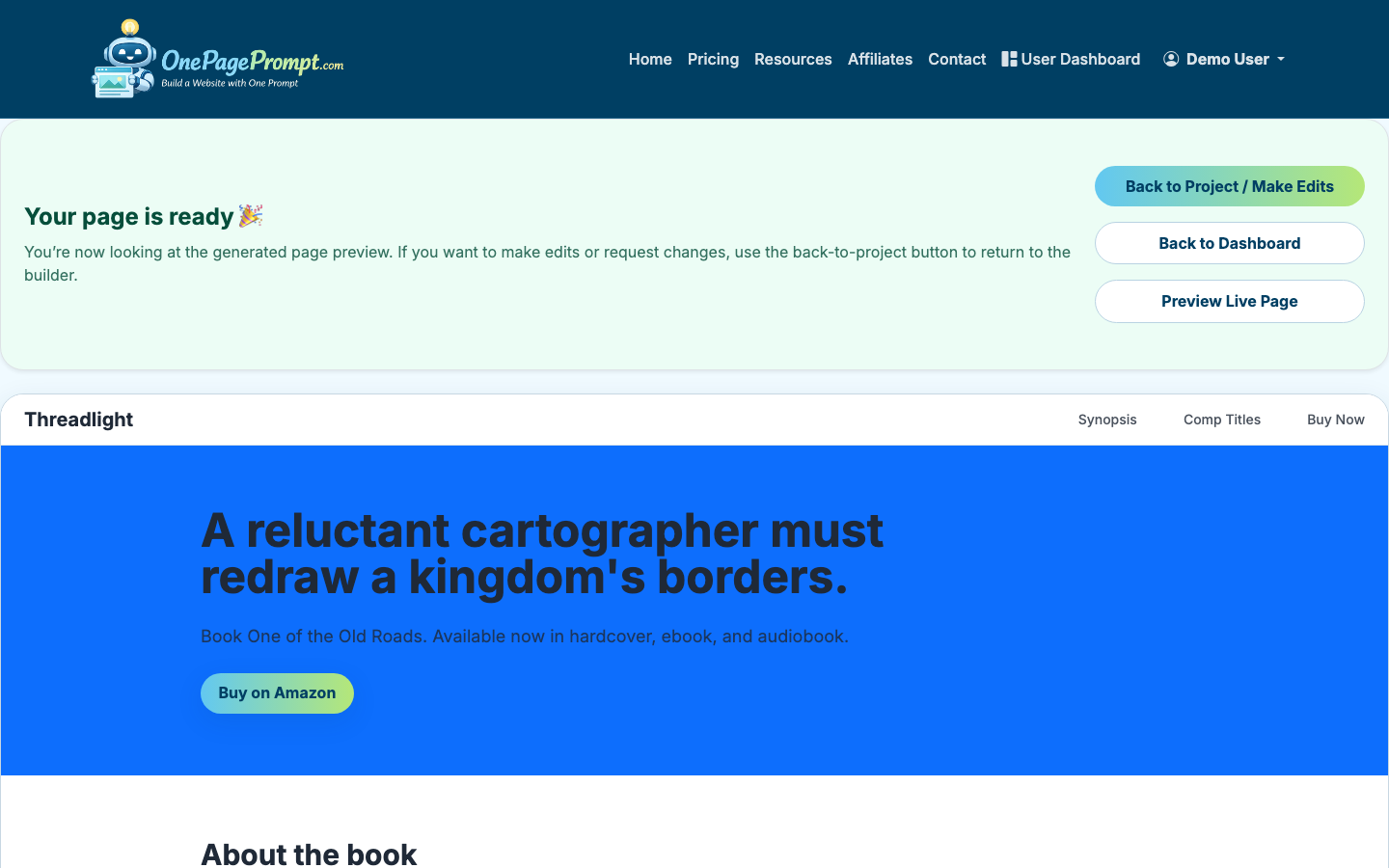
Open the preview before sharing the public link. Check the page as if you were a buyer or seller seeing it for the first time.
Review:
- Hero headline clarity
- Image cropping on mobile
- CTA visibility after each major section
- Form or contact instructions
- Local keywords in natural places
- Whether testimonials or proof appear before the final CTA
Real estate traffic often comes from mobile, especially from social ads and listing links. If a photo crop hides the property’s strongest feature or the CTA sits too low, fix it before publishing.
8. Publish and Share the Landing Page
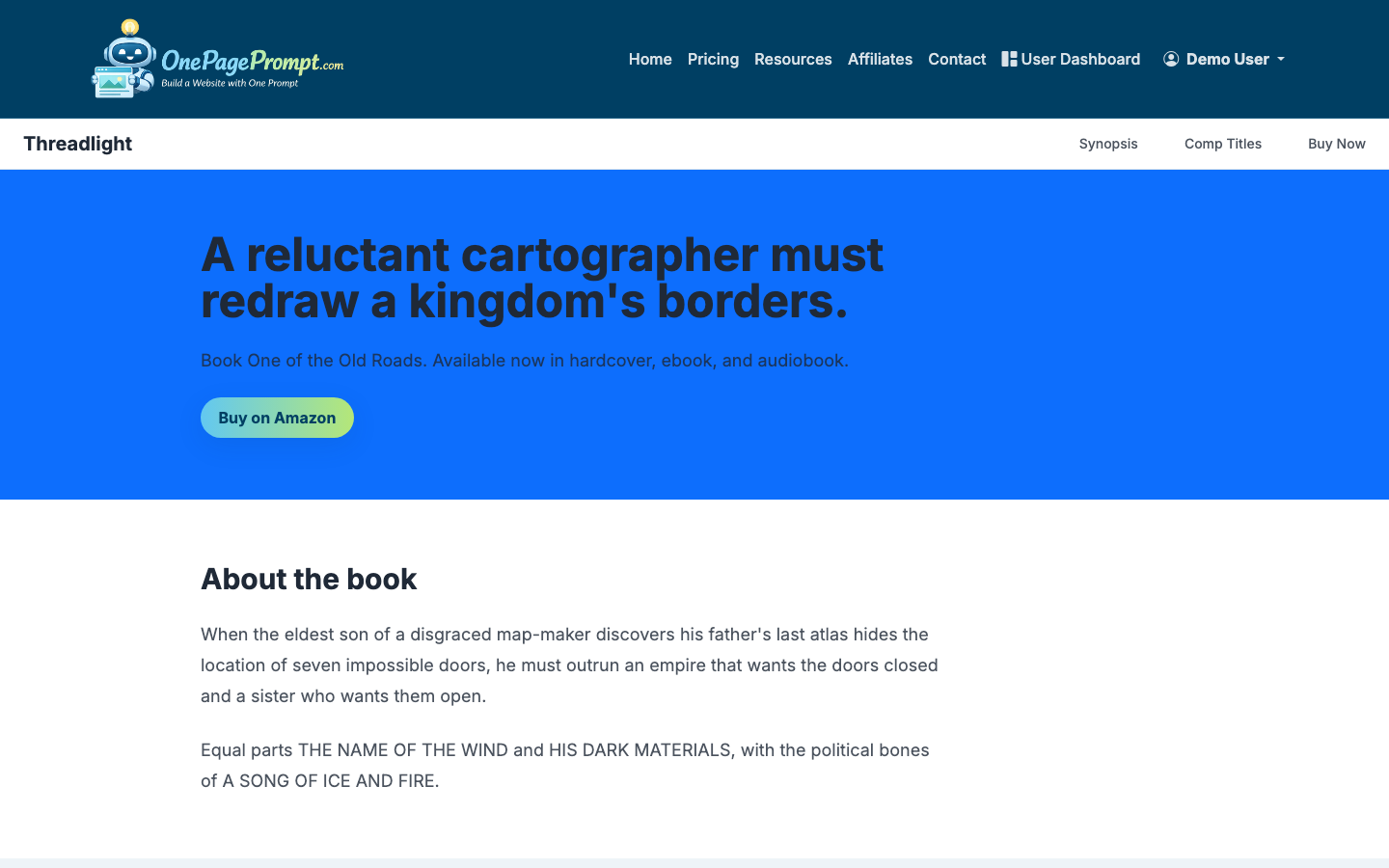
When the page is ready, use the public share URL to send it to prospects, add it to ads, include it in email campaigns, or place it behind a QR code on flyers.
Free and paid plans can use the hosted public page URL. Paid plans can connect a custom domain with CNAME-based DNS verification, which is useful for agents and brokerages that want the landing page to match their brand.
For a no-budget version, see how to create a landing page for free.
Real Estate Landing Page Copy Checklist
Before you send traffic to the page, make sure it includes:
- One clear audience: buyer, seller, investor, renter, or open house visitor
- One clear location
- One primary CTA
- At least one strong visual above the fold
- Specific property, neighborhood, or service details
- Trust proof from the agent or team
- A short FAQ section
- Mobile-friendly preview review
Common Mistakes to Avoid
Do not send all paid traffic to your brokerage homepage. Homepages usually have too many paths and not enough campaign-specific context.
Do not bury the lead form or showing request at the very bottom. Repeat the CTA after the hero, after proof, and near the end.
Do not make claims you cannot support. Real estate pages are trust pages. Overpromising on price, timing, or guaranteed outcomes can reduce confidence and create compliance risk.

