What makes a squeeze page different
A squeeze page is a focused type of landing page. A broader landing page may explain a product, compare plans, include testimonials, answer objections, and drive several actions. A squeeze page removes almost everything except the opt-in.
That means your page should usually include:
- A clear headline tied to the visitor's problem or desired result
- A short explanation of what they get after signing up
- One primary email capture form or call to action
- Trust signals, if they help reduce hesitation
- A simple privacy reassurance near the form
If you need a broader page with multiple sections, start with how to create a landing page. If your goal is specifically lead generation, how to create a lead page may also help.
How to create a squeeze page in OnePagePrompt
1. Define the opt-in offer
Before you build the page, decide exactly what the visitor gets. Vague offers like "join my newsletter" are harder to convert unless you already have a strong audience.
Better squeeze page offers include:
- "Get the 12-point launch checklist"
- "Download the first chapter"
- "Join the private beta list"
- "Get 15% off your first order"
- "Receive the weekly 5-minute market brief"
Keep the offer narrow. If the reader cannot understand the value in five seconds, the page will feel like work.
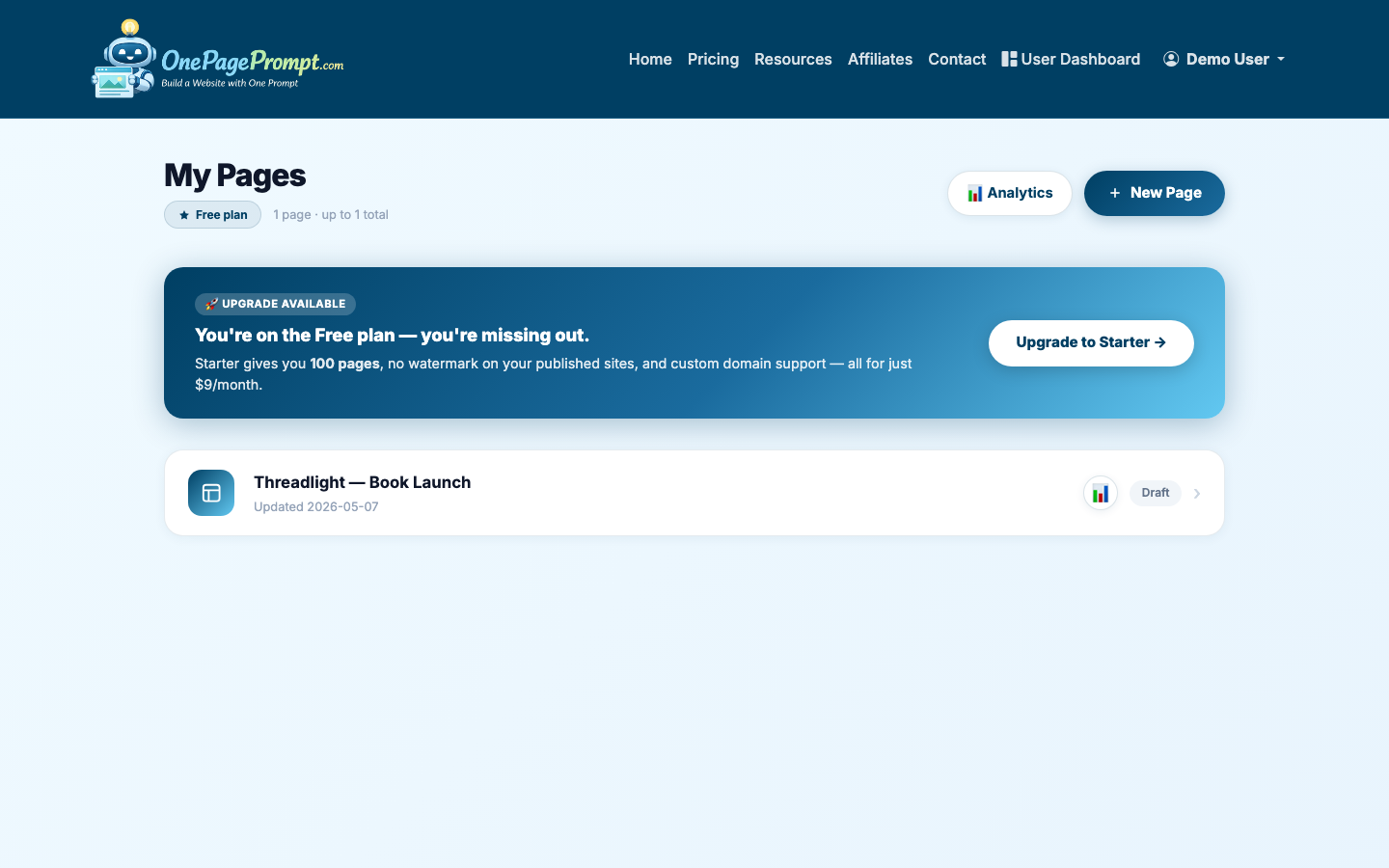
2. Start a new one-page project
From your OnePagePrompt dashboard, create a new project. Give it a title that matches the campaign, not just your business name. For example, use "Author Launch Checklist" instead of "Jane Smith Website."
Then open the new project form and describe the squeeze page in plain English. Include your audience, the opt-in offer, the desired tone, and any sections you want included.
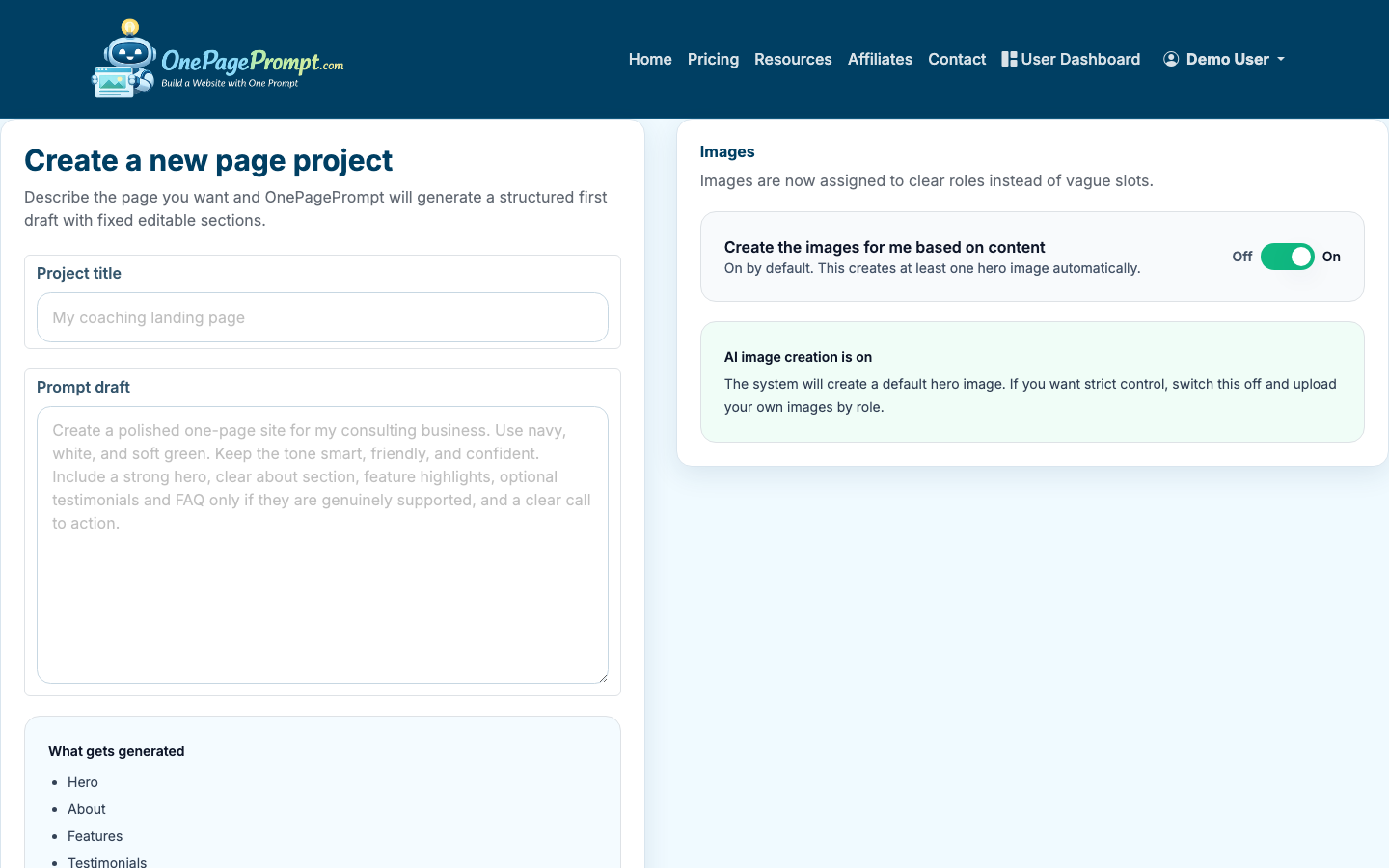
A useful prompt might look like this:
- "Create a squeeze page for indie authors who are preparing a book launch. The page should offer a free launch checklist in exchange for an email signup. Tone: practical, encouraging, not hypey. Include a headline, short benefit bullets, about section, FAQ, and a strong final opt-in call to action."
3. Generate the page
After you submit the project, OnePagePrompt generates a structured one-page website in under two minutes. The first draft should give you a working layout, starter copy, color direction, and section structure.
Do not judge the page only by whether every sentence is perfect. At this stage, you are looking for the right bones: headline, benefit flow, form placement, credibility, and a clear action.
4. Tighten the headline and opening copy
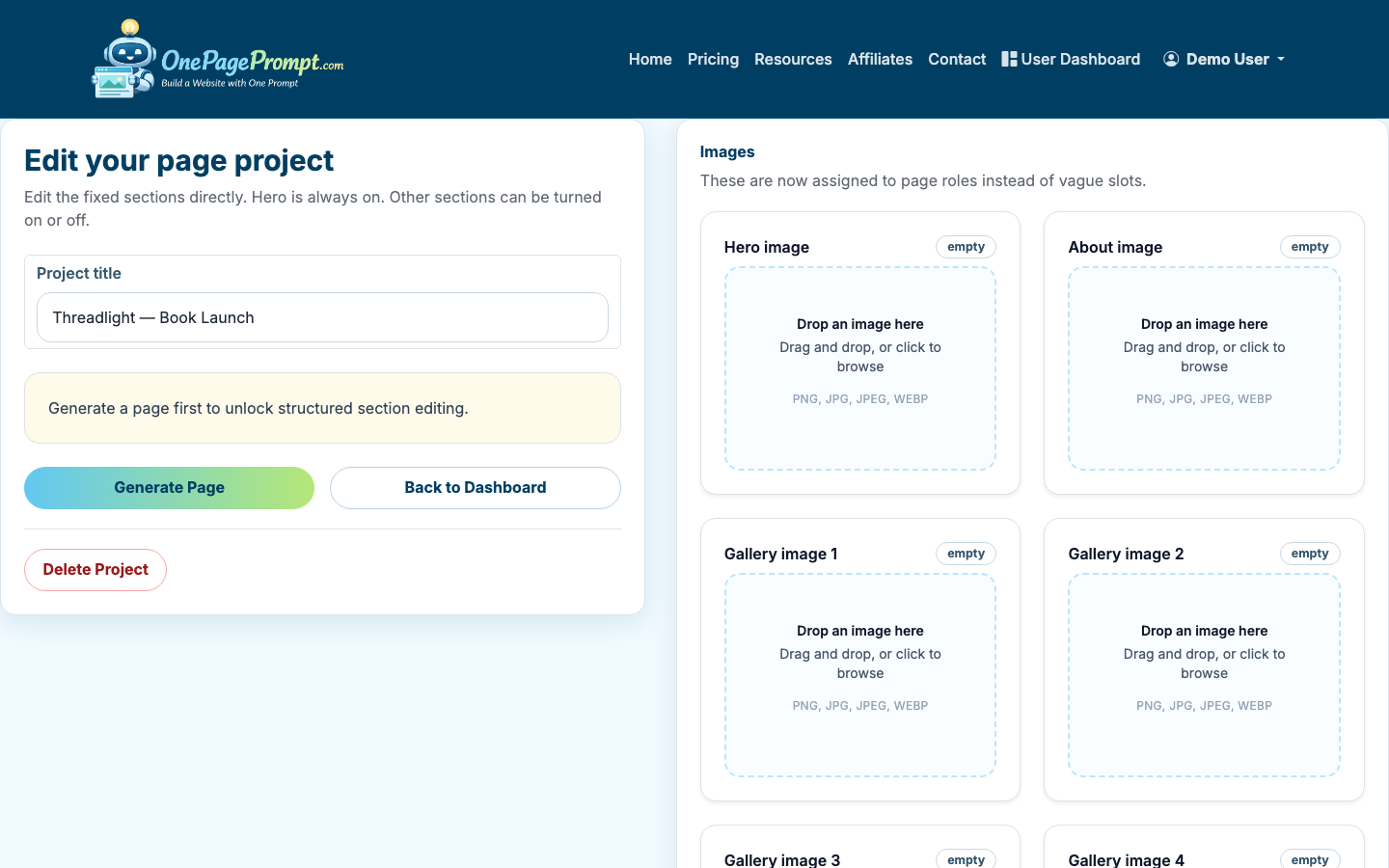
Open the project editor and review the generated sections. Your headline should say what the visitor gets, who it is for, or what outcome it helps them reach.
Weak headline:
- "Sign Up for Updates"
Stronger headline:
- "Get the 12-Step Book Launch Checklist"
Strongest when the audience is clear:
- "A 12-Step Launch Checklist for First-Time Authors"
The opening paragraph should support the offer, not explain your whole business. Aim for one or two short sentences. If the visitor needs to scroll through your origin story before they understand the freebie, the page is doing too much.
5. Edit sections around one action
Use the section editor and on/off toggles to keep only the sections that help someone opt in. For many squeeze pages, that means keeping:
- Hero section
- Benefit bullets
- Short proof or credibility section
- FAQ
- Final call to action
You can turn off sections that distract from the email capture goal, such as long service descriptions, large galleries, or unrelated links.
6. Add trust without bloating the page
Trust signals matter, but a squeeze page should not become a full sales page. Choose one or two proof points that match the risk level of the ask.
For a free checklist, a short creator bio may be enough. For a paid webinar waitlist or B2B report, you may want stronger proof, such as:
- A client result
- Publication logos
- Number of subscribers
- A short testimonial
- Relevant credentials
Also add a simple privacy line near the opt-in, such as "No spam. Unsubscribe anytime." It is not a magic conversion fix, but it reduces a common hesitation.
7. Preview the squeeze page before publishing
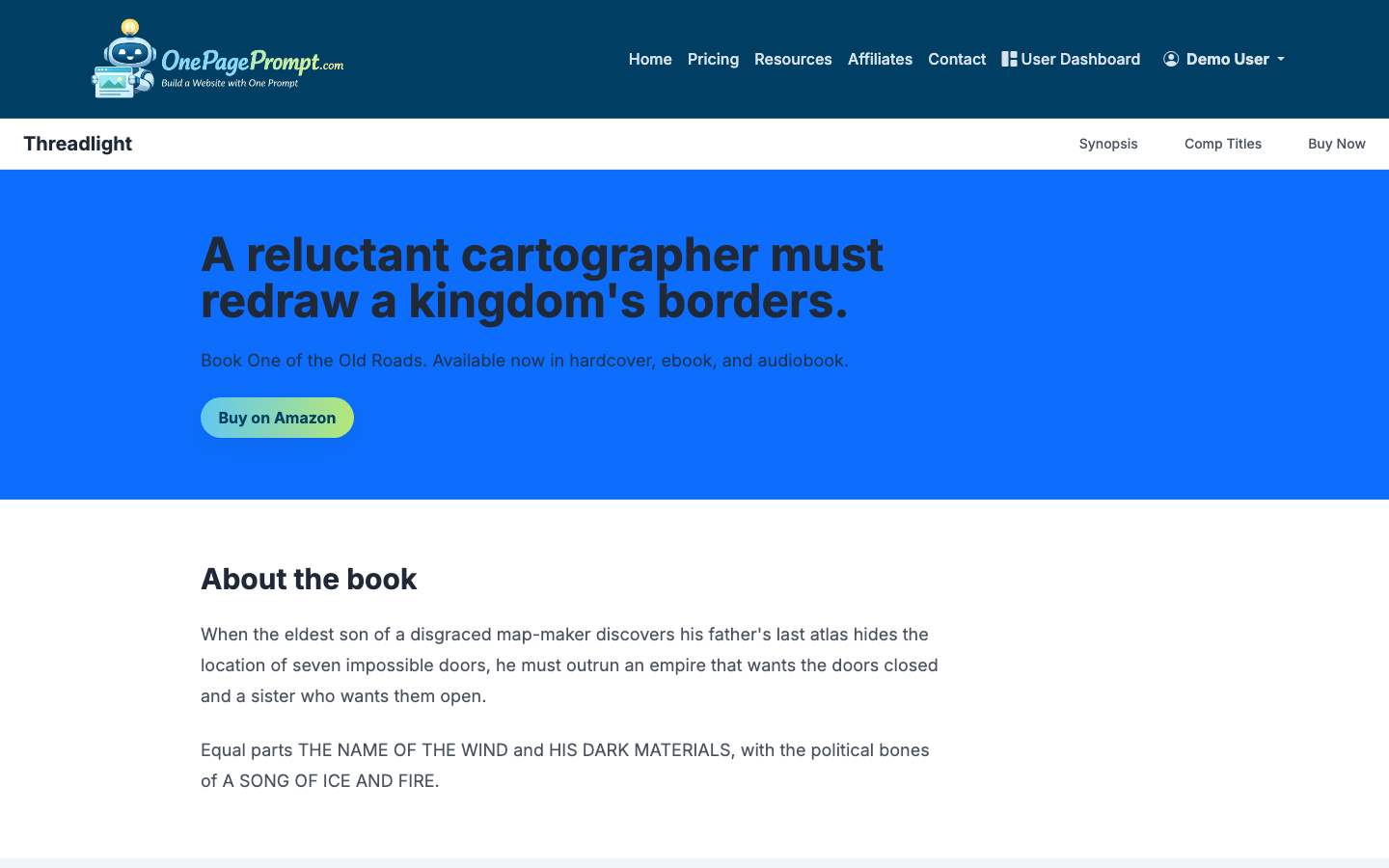
Use the preview page to review the finished page as a visitor would see it. Check mobile spacing, headline length, button clarity, and whether the opt-in action is visible without hunting.
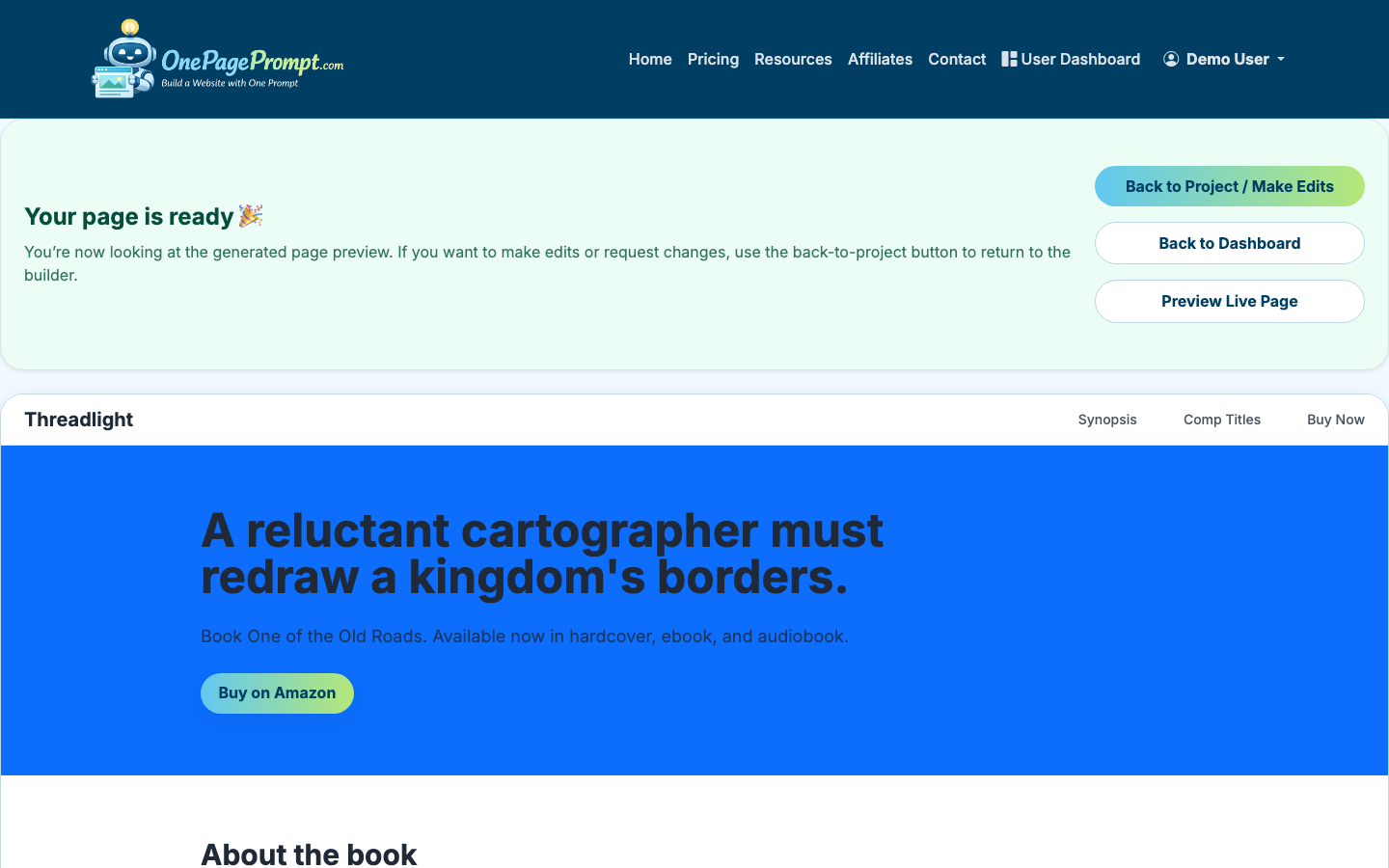
Read the page once from top to bottom and ask:
- Is the offer obvious within five seconds?
- Does every section support the email signup?
- Is there only one primary call to action?
- Would a cold visitor understand what happens after opting in?
8. Publish and share the page
When the page is ready, publish it and use the public share URL. OnePagePrompt pages are available at a public /p/<id>/<slug> URL, and paid plans can connect a custom domain with CNAME verification.
If you are still testing an idea, the public share URL is often enough. If you are running paid ads, promoting the page on a podcast, or using it as a long-term list-building asset, a custom domain usually looks more credible.
For a no-budget version of the workflow, see how to create a landing page for free.
Squeeze page copy checklist
Before you send traffic to the page, tighten the copy:
- Use one audience, not everyone
- Lead with the opt-in offer, not your company history
- Keep the primary call to action consistent
- Replace vague benefits with specific outcomes
- Remove sections that compete with the signup
- Explain what happens after the visitor submits their email
- Add a privacy reassurance near the form
A squeeze page does not need to be clever. It needs to make the trade feel worthwhile: the visitor gives you an email address, and they get something useful in return.
Once your copy is tight, see how to write website copy that actually converts for more on turning visitors into subscribers.